01 · the habit
“I'll do it for a week and then stop. I always do.”
A reminder when you choose, and a streak that only counts the days you picked.

The only app that helps before you’ve filmed a thing
Document the journey. Promote the business.
Every other video tool waits for your footage. underway has the idea, knows your day, asks the questions and makes the video.
Card needed to start. Nothing taken until day 8, cancel any time before.
No hooks, no structure. What went well, what didn’t, what’s on your mind. underway asks and edits. Years from now you’ll have the whole journey.
For you. Just talk.
A different video, set up before you record: a title people click, a hook, the sections and what to say. Then the cover, Shorts and posts.
For everyone else. Set up to be seen.
▶See howFrom idea to every networkIt asks
The questions, so you just answer
It makes
The video, the Shorts, the posts and the articles
The diary lines and the plan are illustrations. The cover is a real one underway drew.
Why document
Talk for 3 minutes, get a week of content.
Record whenever you like: Underway reads your day, asks you about it out loud, and turns your answers into a finished video or podcast episode, Shorts cut from it, and posts written for 4 networks. No editing.
Everything stays private until you choose to go public.
A dramatised film · made with AI





Whatever you’re making
You write one line about what you’re working on, and the questions fit your world. Your answers become an episode: a short video or podcast, numbered like a show.
See it in use
When something good happens, underway asks on WhatsApp if it's worth an episode, then asks you about it and has it ready minutes later.
Dramatisation
A dramatisation: the people are made with AI. The app, the questions and the finished episode are how underway really works.
What it is
Who it’s not for
If you do not want to speak, this is not for you. A written journal will suit you better. If you want a produced podcast, with a script, guests and an editor, use a studio. Off camera is fine here: answer by voice and it is still a numbered episode. The cut keeps what you said, in the order you said it.
Compared
Clipping tools
Cut clips from a long video you have already made.
Editors and editing apps
Edit footage you have already filmed.
Underway
Asks you questions out loud and turns your answers into a finished episode. You just talk.
Talk for a few minutes whenever suits you. underway asks the questions, edits the episode and keeps your story in order, private until you choose.
Skip to Promote ↓What documenting does
13 films. Pick a part, then a film, and press it for the sound.
ANIMATED EXAMPLES · AI NARRATOR AND AI PICTURES
Why now
“The biggest mistake I made as a founder wasn’t money. It was not filming it.”
Nobody films a business before it works. Record yours as it happens and you’ll have the real story, in your own voice.
Start today and episode 1 exists. Wait a year and it never will.
Card needed to start. Nothing taken until day 8, cancel any time before.
The problem
Nine reasons people stop, each answered on film. Swipe through.
01 · the habit
“I'll do it for a week and then stop. I always do.”
A reminder when you choose, and a streak that only counts the days you picked.
02 · the blank page
“I sit down, look at the camera, and have nothing to say.”
▶ Watch the founder answerUnderway reads your day and asks you about it.
03 · the edit
“Then there's the edit. That's hours of my day gone.”
▶ Watch the founder answerYou never edit. Minutes after you finish talking, your episode is ready.
04 · the risk
“I can't put this in public. Not yet. Maybe not ever.”
▶ Watch the founder answerRecord in private. Nothing is shared until you say so.
05 · the silence
“Who would even watch? I have no audience and no hook.”
▶ Watch the founder answerIt works like a TV series: people come back for the next episode.
06 · the script
“I'd have to write something first, and I'm not a writer.”
▶ Watch the founder answerA voice asks, listens, and asks the next thing.
07 · the retakes
“I'd film it three times and still not be happy.”
▶ Watch the founder answerJust say it once. Underway tidies it up for you.
08 · the setup
“I'd need lights, a camera, a proper setup.”
▶ Watch the founder answerNothing to set up. Open the laptop, or prop the phone where it was yesterday.
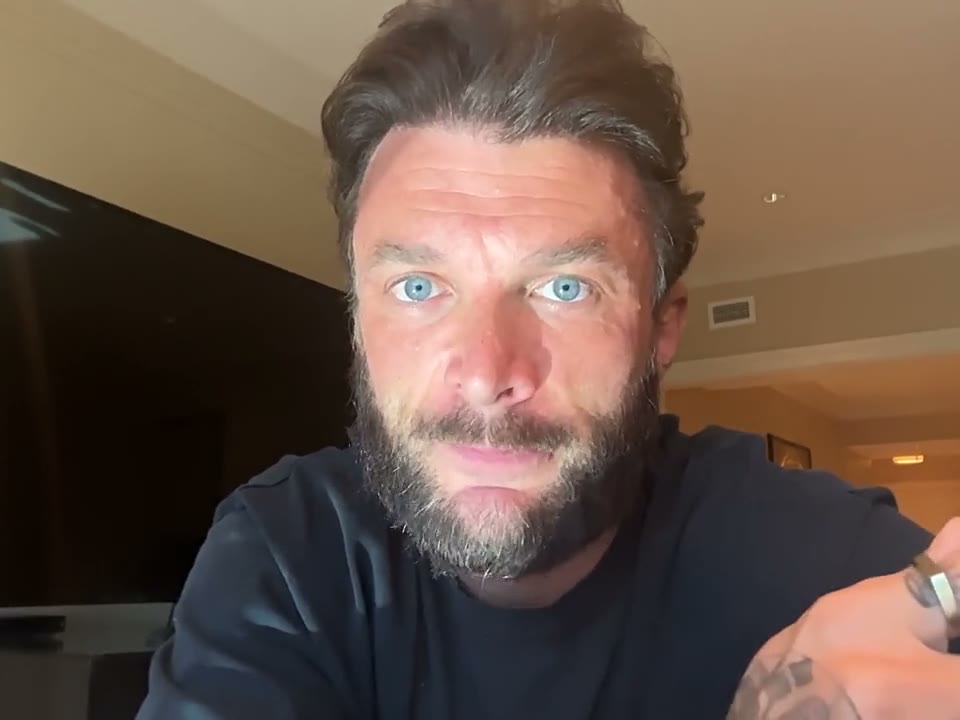
09 · the phone in your hand
“I'd be holding a phone, squinting at a prompt.”
▶ Watch the founder answerIt asks out loud. You answer a voice, not a screen.
How it works
See the screens first: Your first episode, screen by screen, or why none of it is editing.
Connect your calendar, GitHub or sales, or add a voice note. It suggests what to talk about.
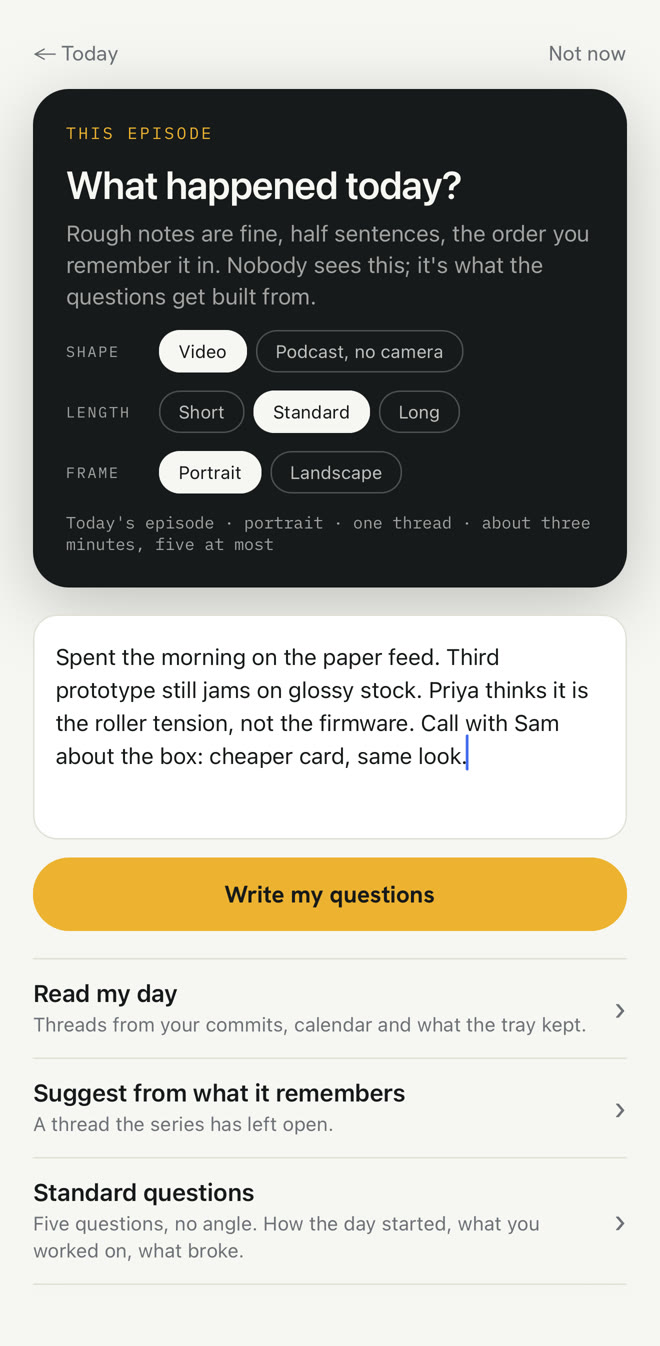
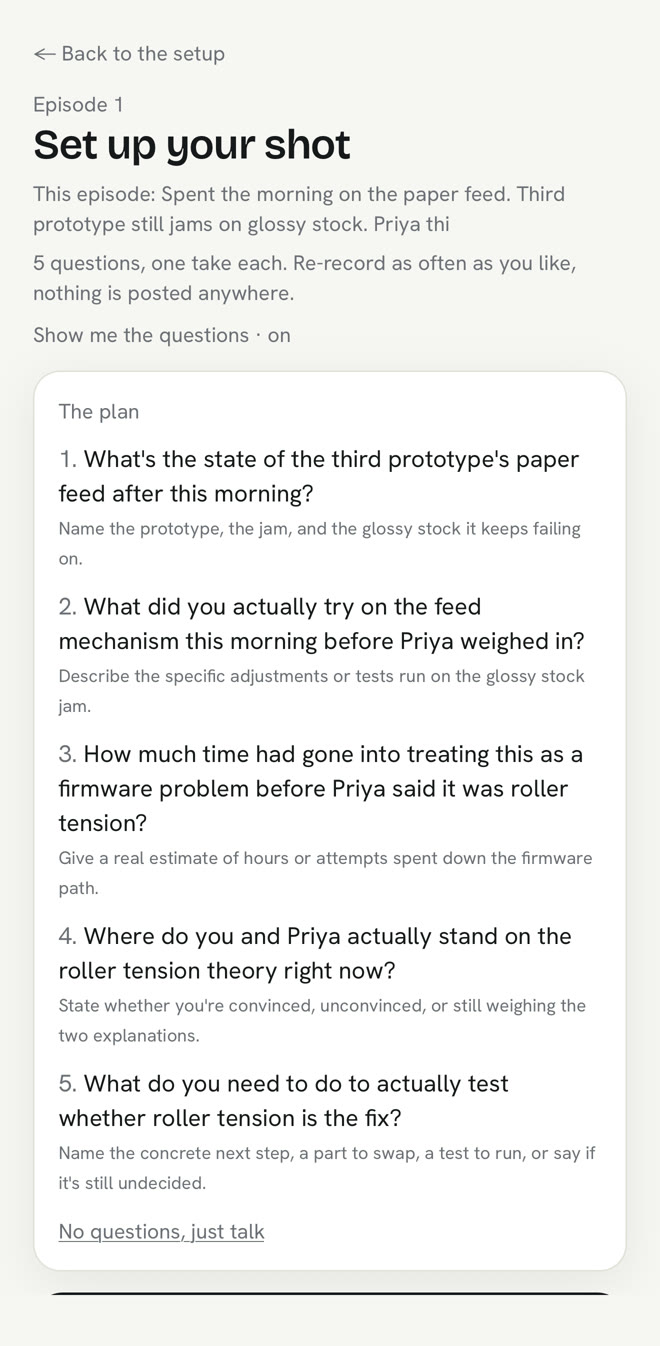
It asks out loud, one question for each thing you picked, and you answer each for as long as it takes.
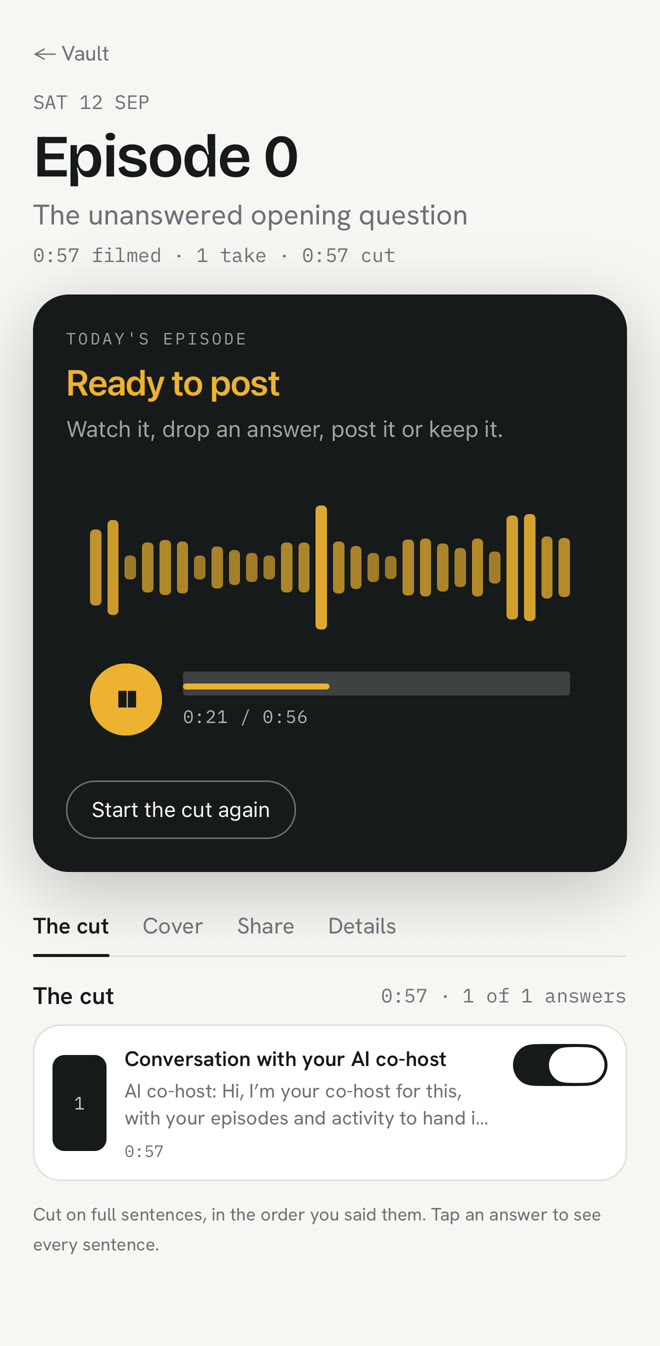
Minutes later: captioned, numbered, in the order you said it. Keep it private or post it.
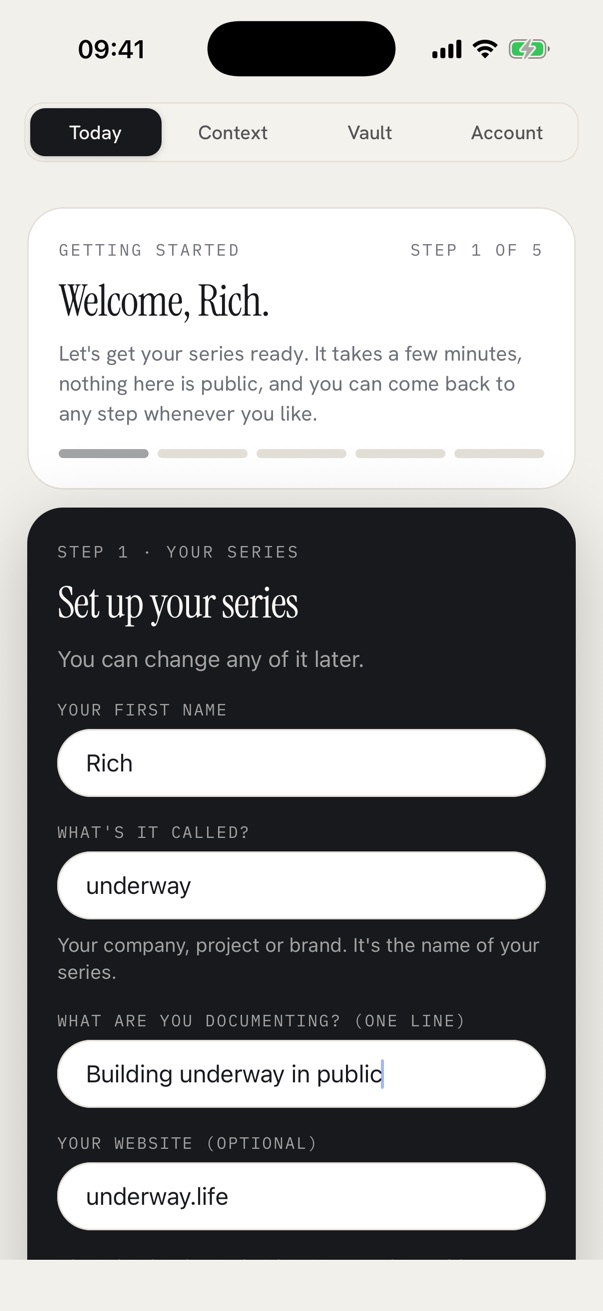
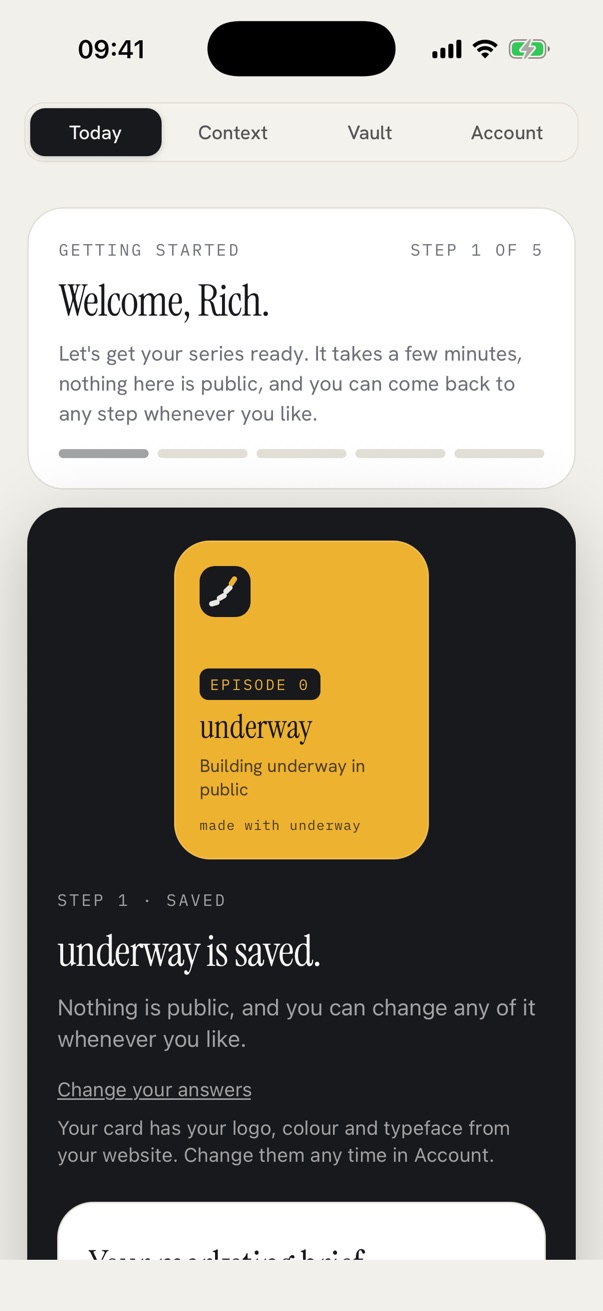
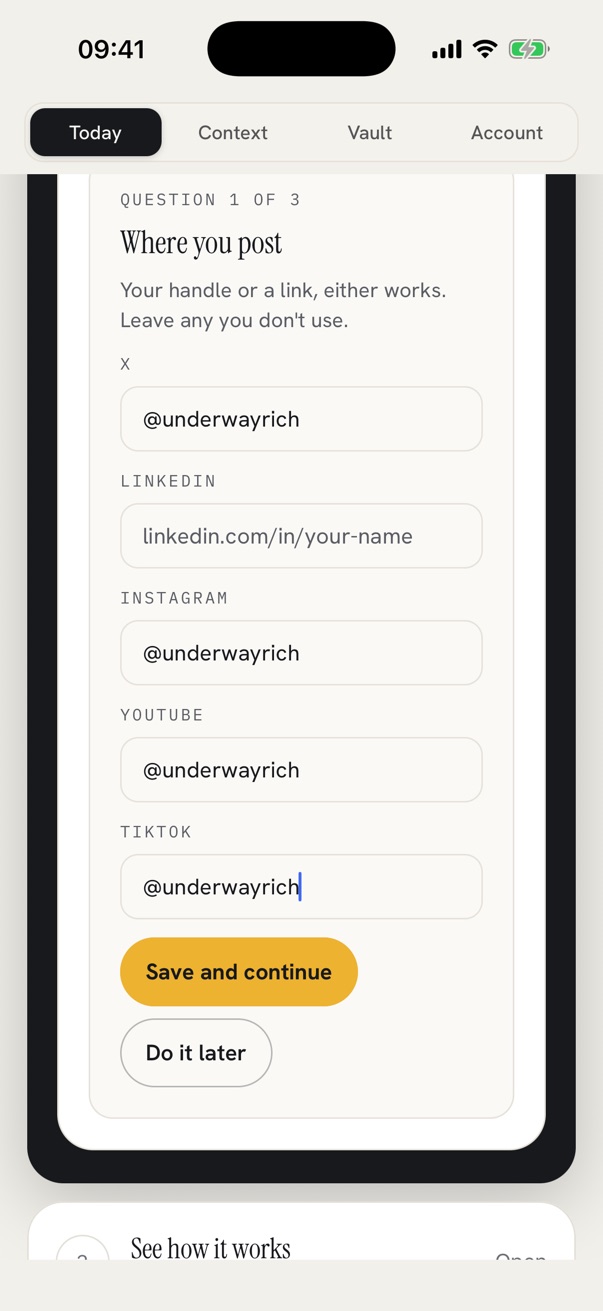
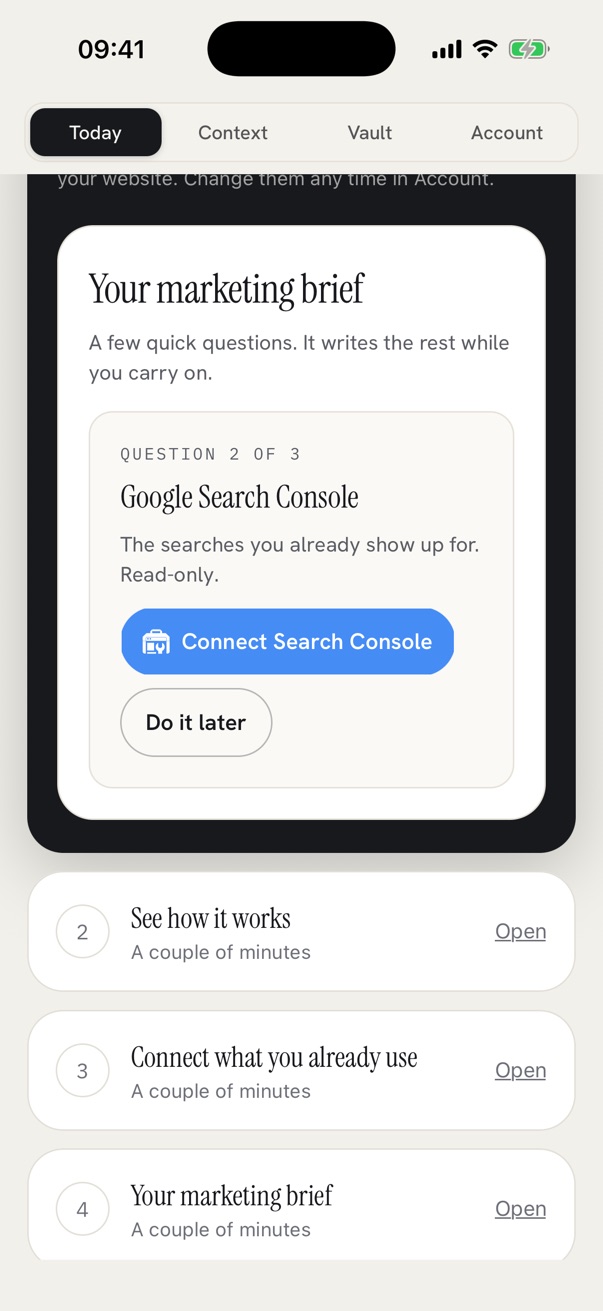
Getting started · on the phone
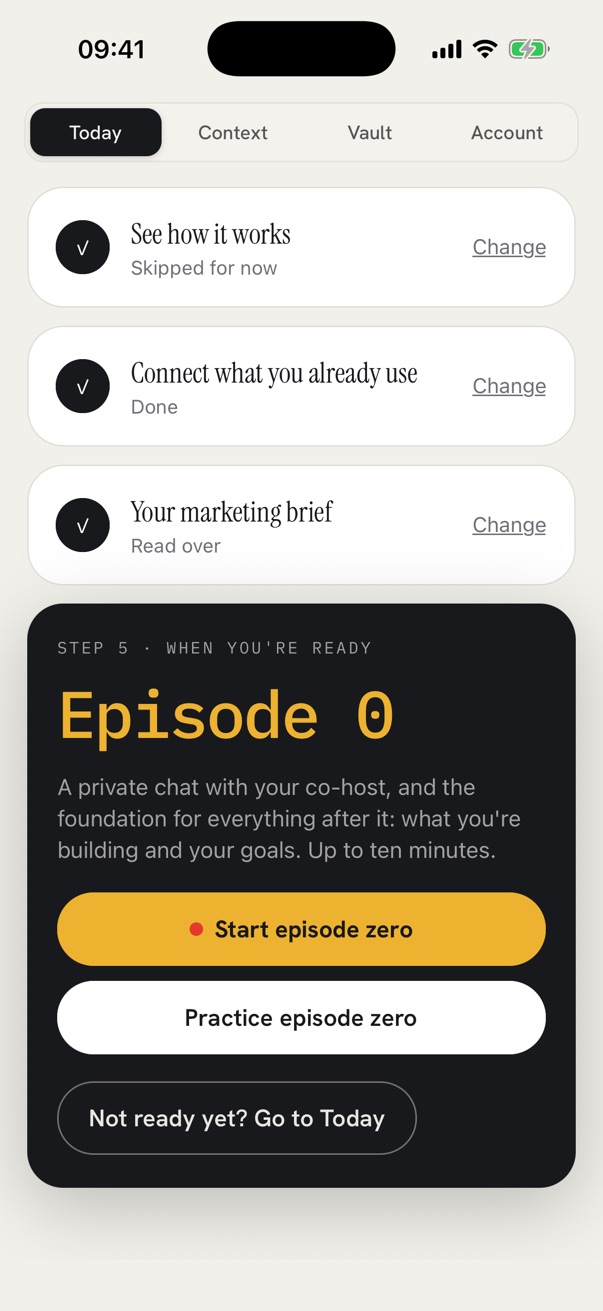
Five steps, then you’re filming. Swipe through the screens you’ll see.
REAL SCREENS FROM THE IPHONE APP, ON A NEW ACCOUNT
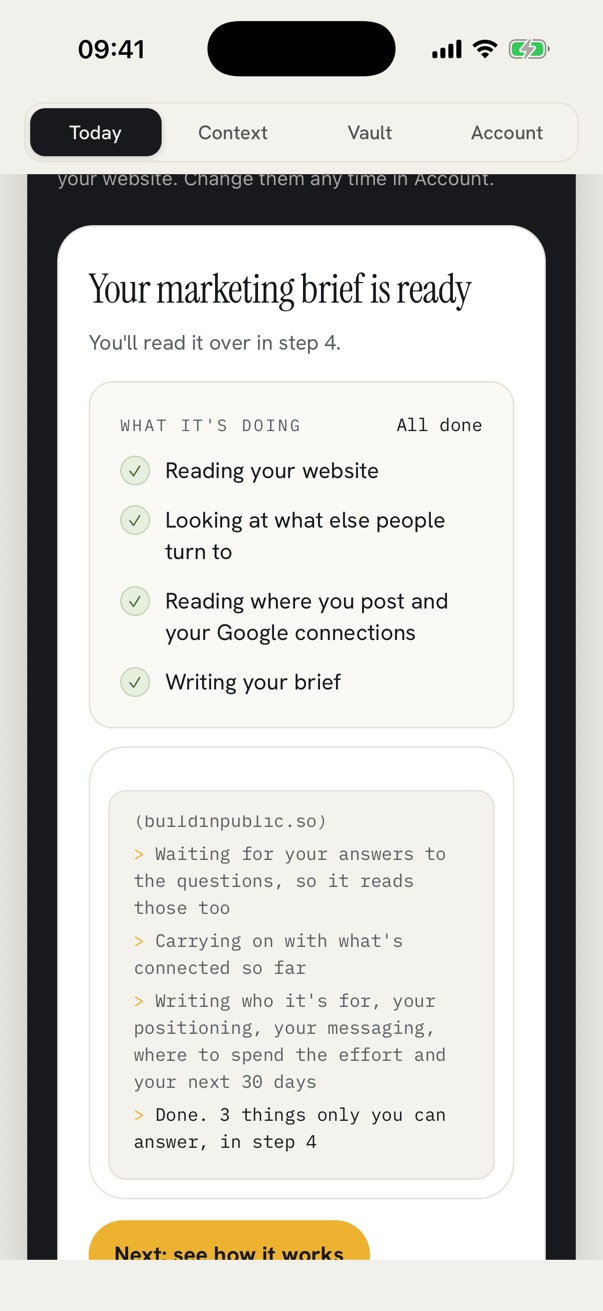
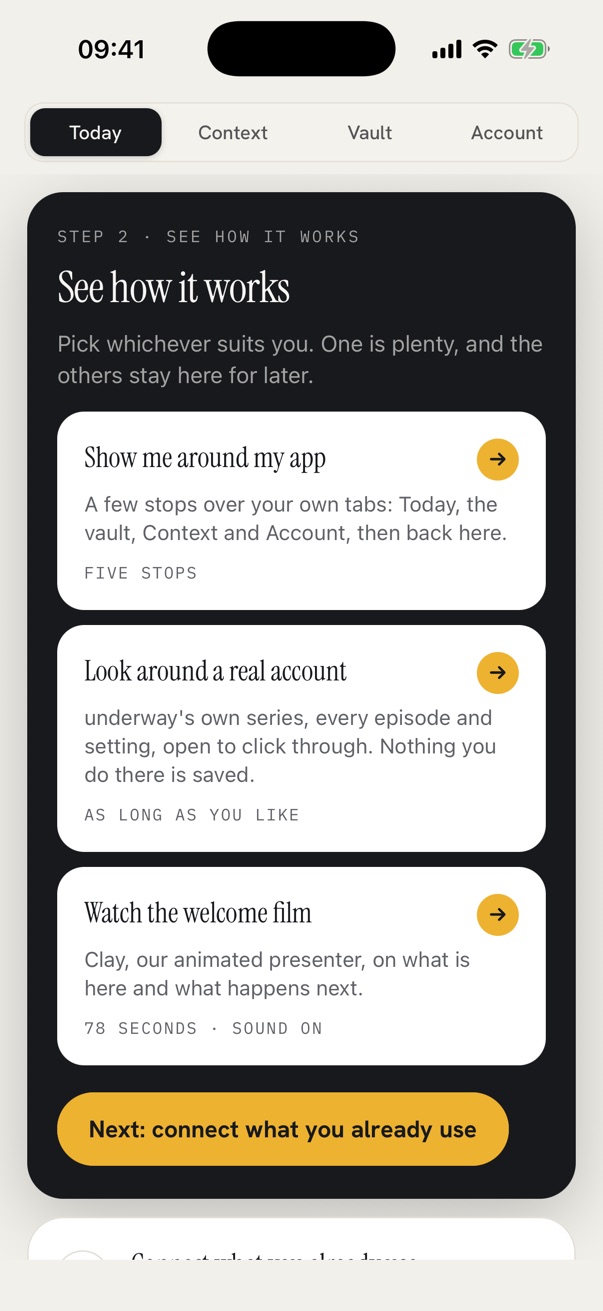
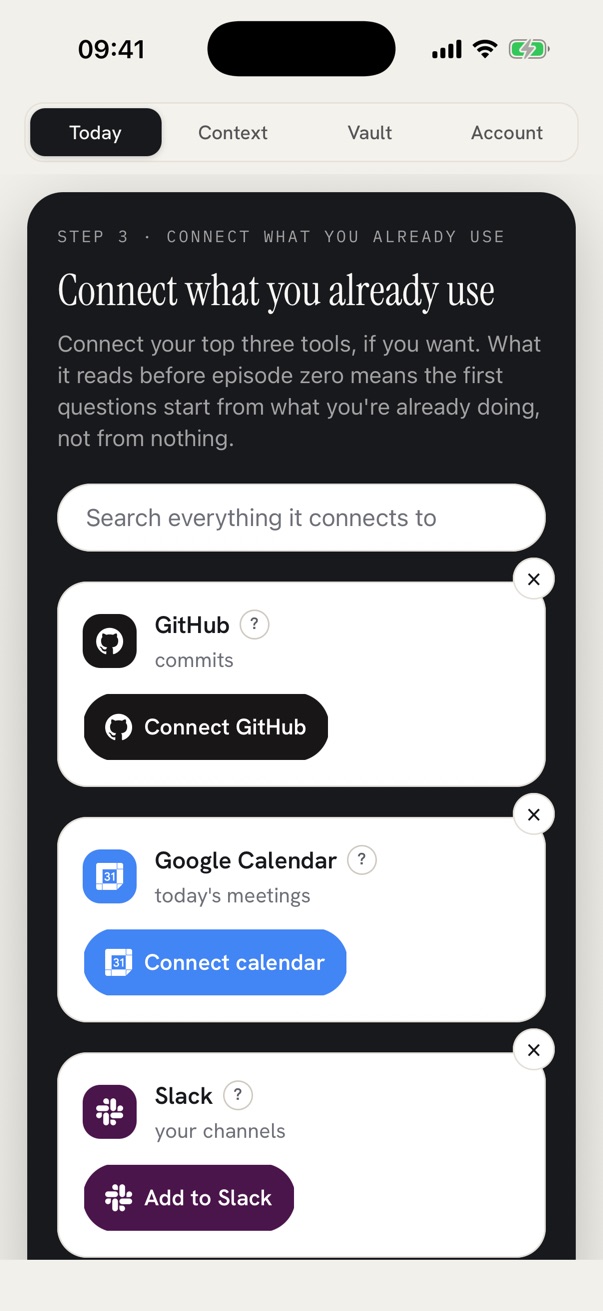
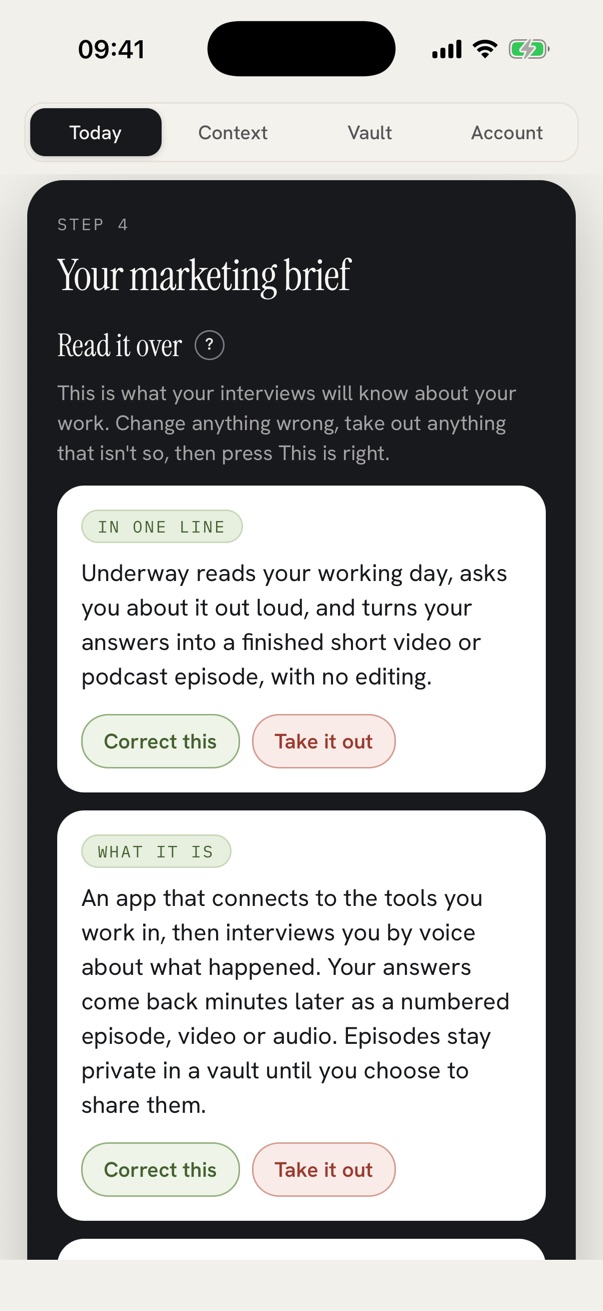
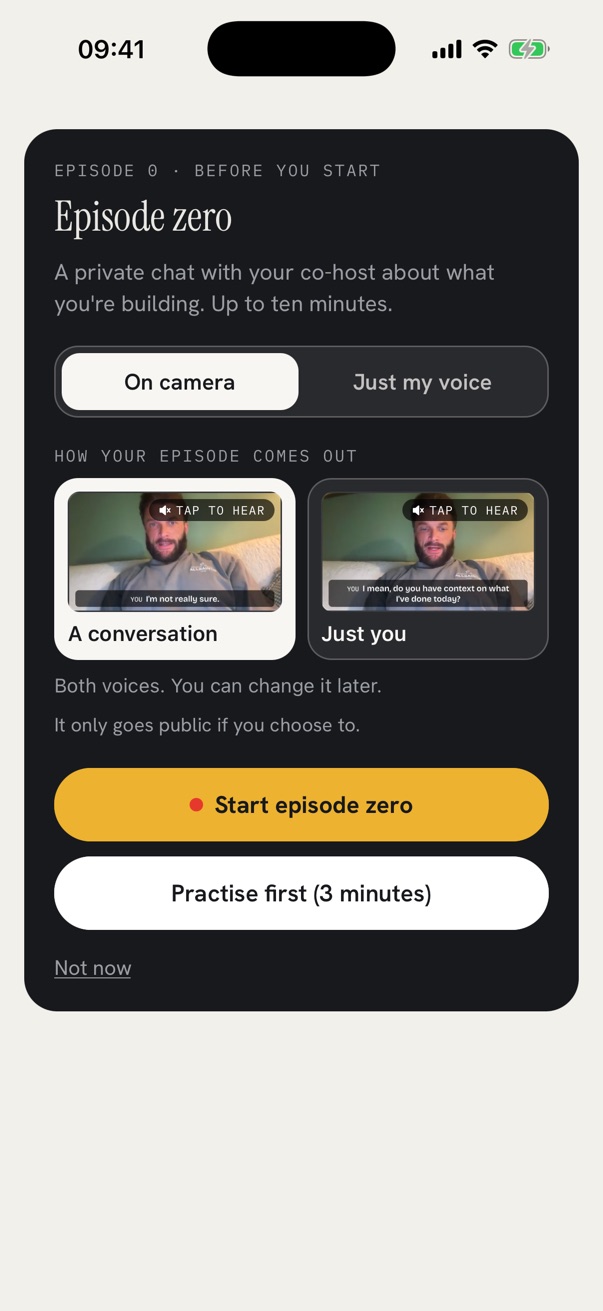
Three ways to answer
Same questions whichever you pick.
From the sofa, the car or a walk. The questions stay in, so it sounds like an interview.
It listens
A REAL ONE · EPISODE 6 OF BUILDING UNDERWAY
ASKED
What’s the thing you’ve been putting off all week?
HE SAID
“I built the connections to LinkedIn and YouTube first… out of all of these connections, like Instagram and all the others, what’s the easiest to build right now, because none of them are quick.”
IT ASKED NEXT, OUT LOUD
“You said none of those connections are quick. Which part of the LinkedIn or YouTube build fought you hardest this week?”
Asked in September, when the interview still followed up. Now your AI co-host does this.
Watch episode 6You’ll never edit a video
Everything an editor would do, done for you in your brand, set once.
Your original recordings are always yours to download.
Real episodes of Building Underway, cut from the files underway made. Nobody edited them.
It remembers
Each interview picks up where the last one stopped:
“At the end of Episode 0 you said: ‘I’m going to see if this edits after this recording. If it doesn’t, I’m still going to post it.’ So what happened when you watched Episode 0 back?”
Asked in episode 1 of Building Underway, our founder’s own series.
Private to you. Read, fix or delete anything it keeps.
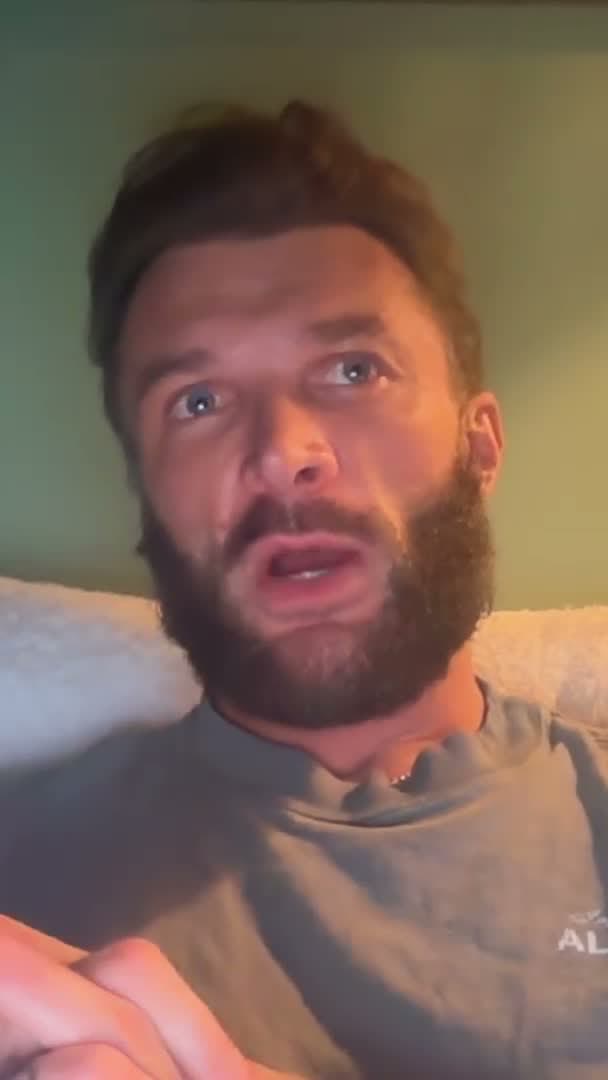
ASKED · 1 OF 2 · FROM EP 0
So what happened when you watched Episode 0 back?
underway’s brain
Connect the tools you already use, and the interview asks about the fix you shipped, the call that ran over and the payment that landed, not “how was your day?”
32 tools, on every plan, the free trial included. It only looks, never changes anything, and you choose what counts. Other people’s voices from meetings never go in an episode.
Thirty small updates become the five that mattered, each with why. It suggests what to talk about; you pick.
Your first ad lead, a hundred visitors, the week Google started finding you: counted, and waiting as something to film.
Ninety days of what your tools saw. Ask “when did we launch the new prints?” and it tells you the date.
When something looks worth an episode, a line in Slack or WhatsApp. One tap to film, one to say not today.
YOUR WORK
The questions know what you shipped, so you are asked about the fix instead of reminded of it.
MEETINGS
So the interview can ask what came out of the two o'clock, without you writing it down first.
NUMBERS
The day a payment lands, the interview knows, and can ask who it was and what it means.
YOUR SHOP AND STUDIO
The day the new piece sells out, or the first order from abroad lands, the interview can ask about it.
PAPERS AND INBOX
Forward the customer's reply or the investor's no, and the interview can ask what you made of it.
TEAM CHAT
The decision argued out in a channel, or the thread that went quiet, becomes something to film, and a title for it.
NEWSLETTER
A launch newsletter becomes something the next interview can ask about.
PUBLISHING
Your numbers show on Reach, and what is working on Shorts steers which moments become your clips. None of it reaches the interview or its questions.
NUDGES
It answers with a link that opens underway ready to record. On Series and above it also messages you first when something looks worth an episode.
What you end up with
In order, in your own words, recorded on the day it happened.
For your customers, an investor, or the next person you hire.
Eighty episodes of you at work say more than any portfolio.
Watch Underway get built
Recorded most days while building it, with nothing staged.

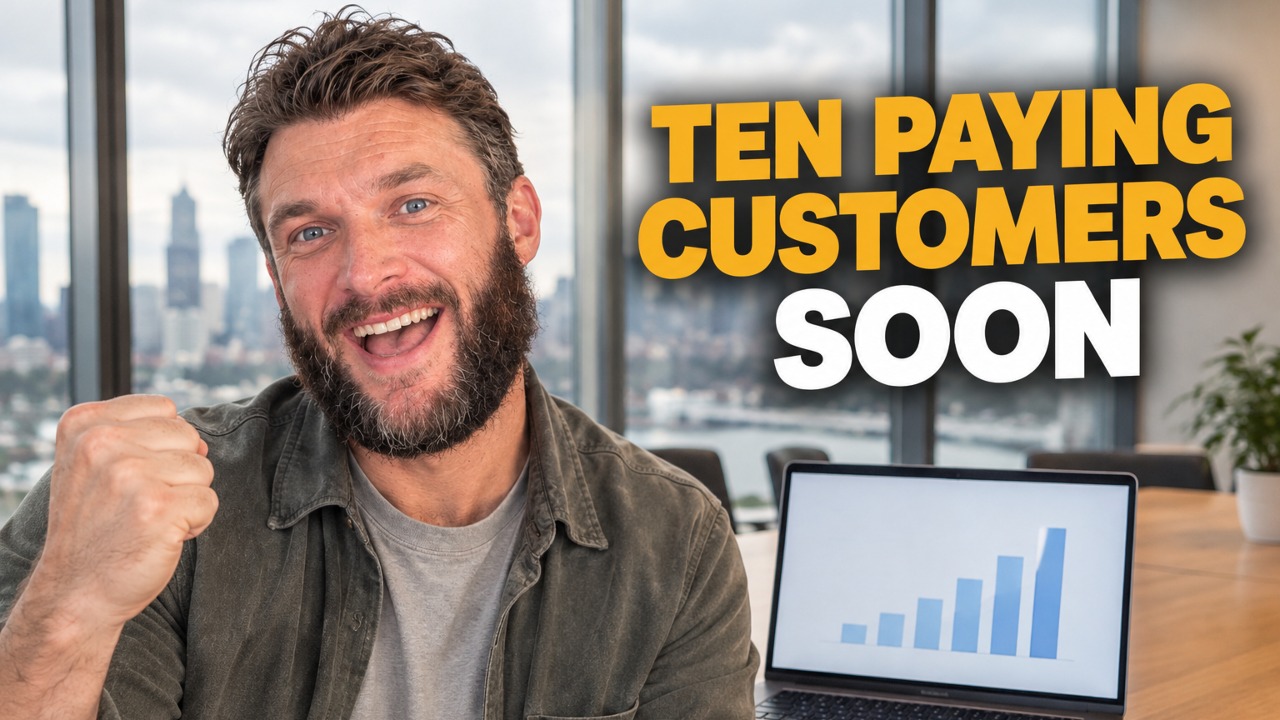
100 episodes · Building Underway
 AI ILLUSTRATION
For anyone making something
Day one or ten years in, it works the same.
Record it from the start, and build an audience if you want one.
Keep some episodes for paying subscribers, at a price you set.
Public or private
Every episode has its own switch. Nothing goes out unless you send it.
Videos set up to get views, then the Shorts, covers, posts and articles that send people to them, and the buyers to show them to.
Back to Document ↑What promoting does
25 films. Pick a part, then a film, and press it for the sound.
ANIMATED EXAMPLES · AI NARRATOR AND AI PICTURES
Shorts, made for you
Up top, a drawing of what you’re saying, changing as you talk. You along the bottom.
EPISODE 45
EPISODE 43
Pro thumbnails · Studio
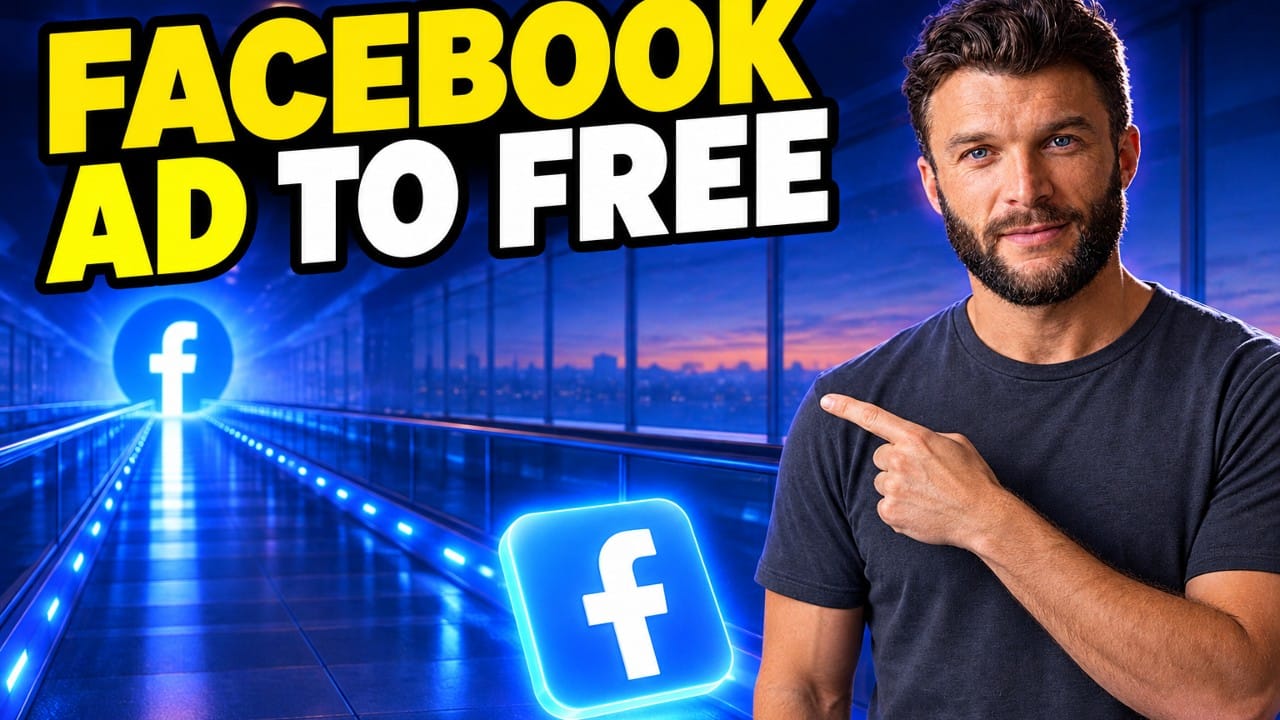
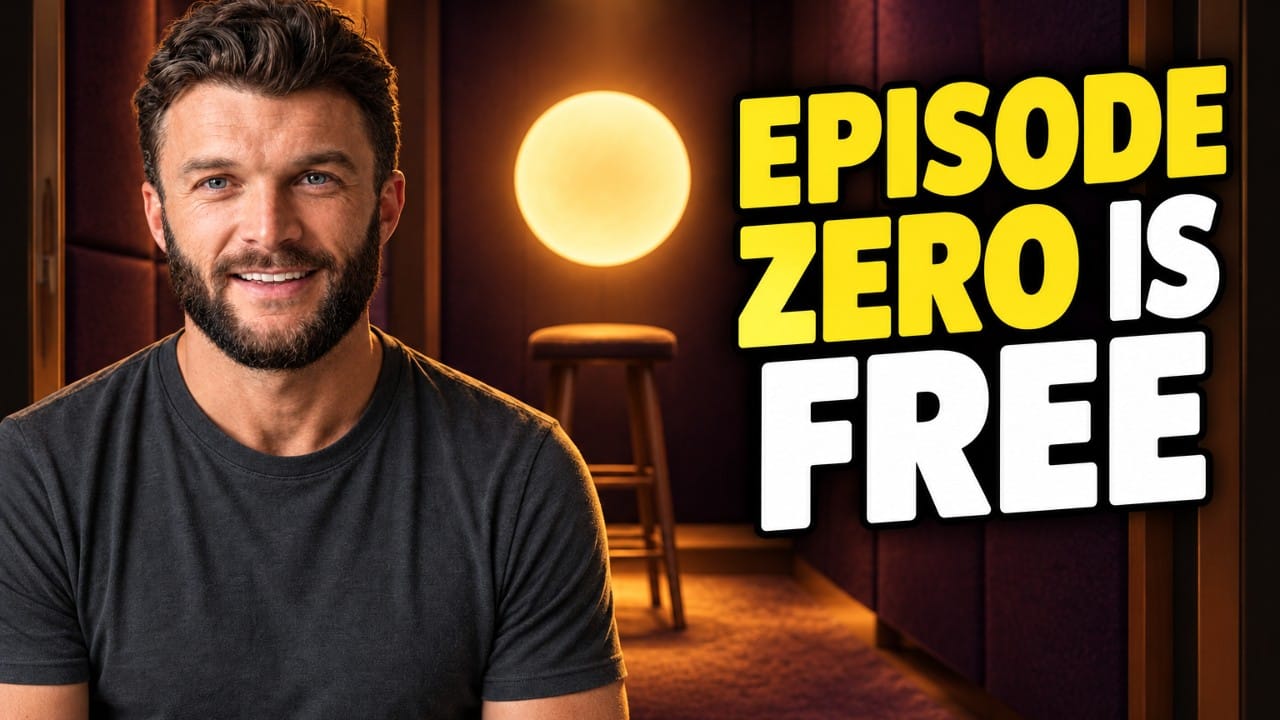
Every episode gets three, with you in a scene from what it’s about. The best is already chosen.

Your AI clone · Studio and Studio Plus
After ten episodes, underway learns your face and voice from them and makes 12 to 15 second marketing videos on the days you pick, from your marketing brief and the hooks working in your niche.
Each one waits on Today until you approve it. Every frame says AI clone. Studio includes two a month and Studio Plus eight, and on any plan you can top up five for $99.
Motion graphics · Studio
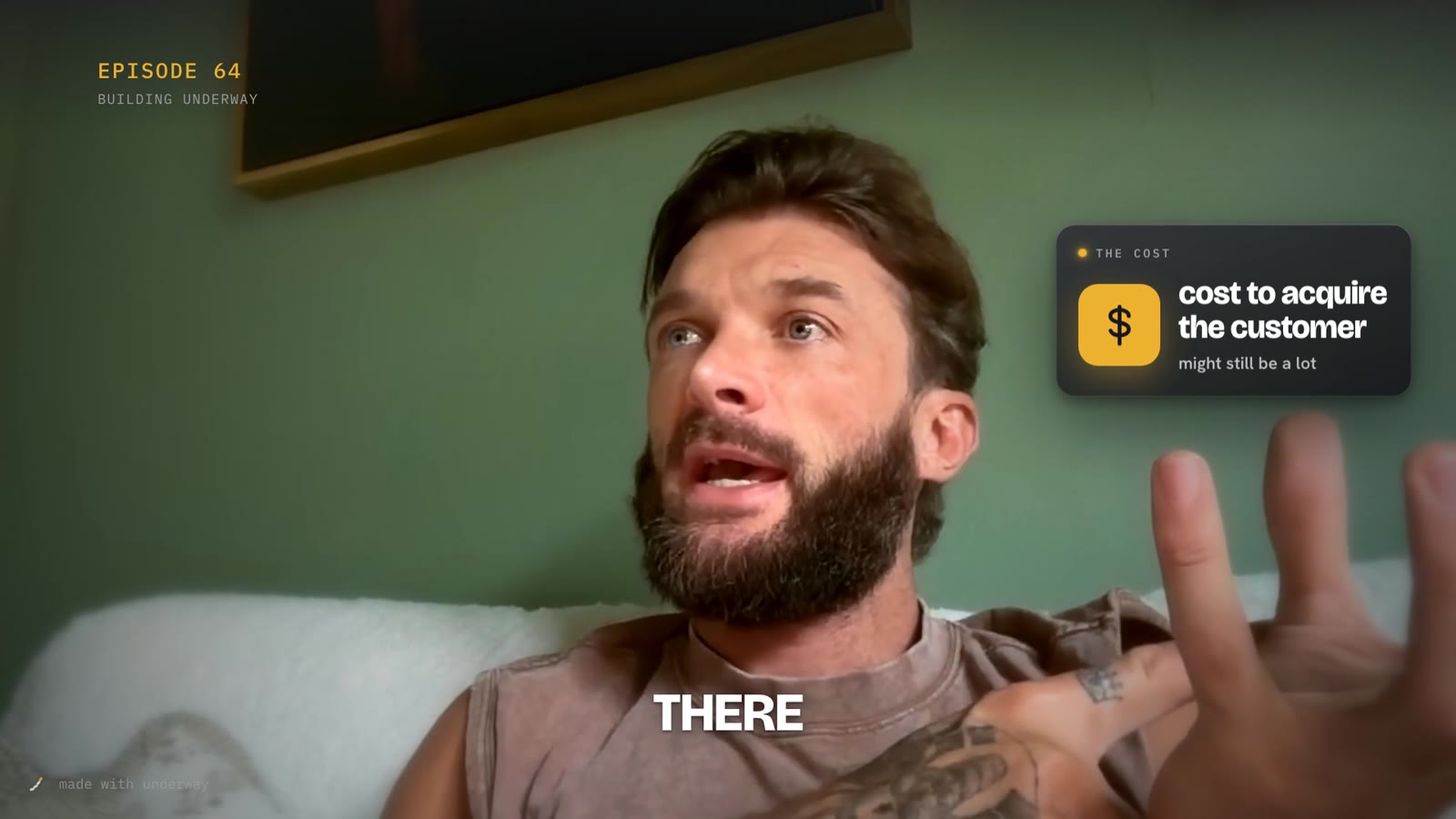
The numbers, ideas and tools you talk about land beside you as you say them, every word your own, never over your face.
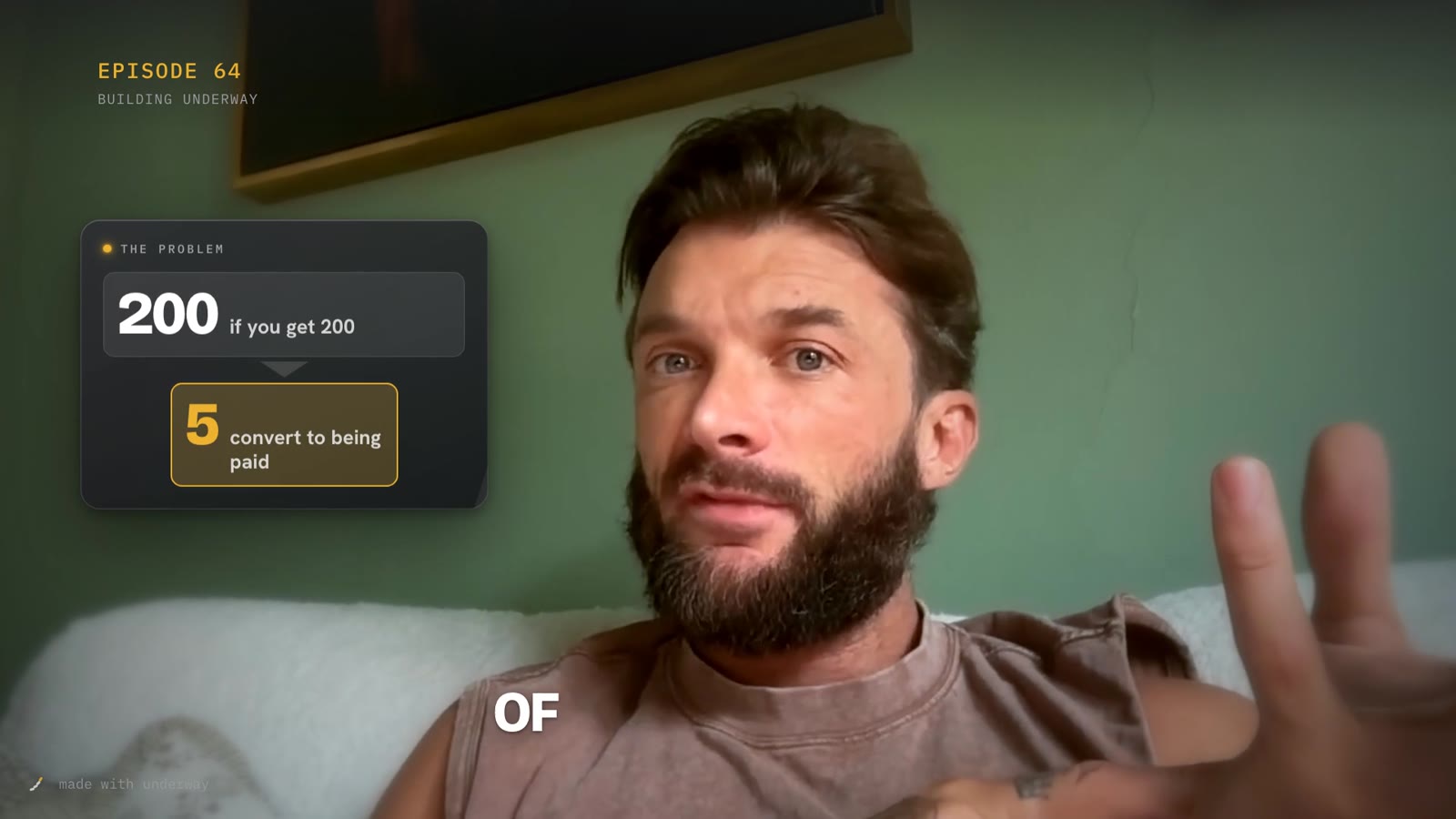
Backgrounds · Studio
Three seconds of your empty wall before you film, and the room behind you is replaced on every take, your hair and hands kept. Six sets to pick from each episode, and you can take it off any episode afterwards.
Set up once on your computer, with its camera or one you plug in.
EPISODE 89 · THE SAME SIX SECONDS
As filmed
A plain wall at home
As it came out
The Study set, made with AI
Title looks · Series
A title with the episode’s name, a build-up with music, a moment with your logo, the episode, an outro. Choose a title look and how the build-up ends, once; they come out in your logo, colours and typeface on every episode. Try them below, then watch a real one all the way through.
Every episode, every screen. Nothing to sign up for.
Title look
Opens the episode with its own name.
Your mix: Explainer title and outro · Shutter at the end of the build-up
Episode 66 · Building Underway
Open the episode’s pageYouTube title SEO written from your transcript
Conversations · Studio
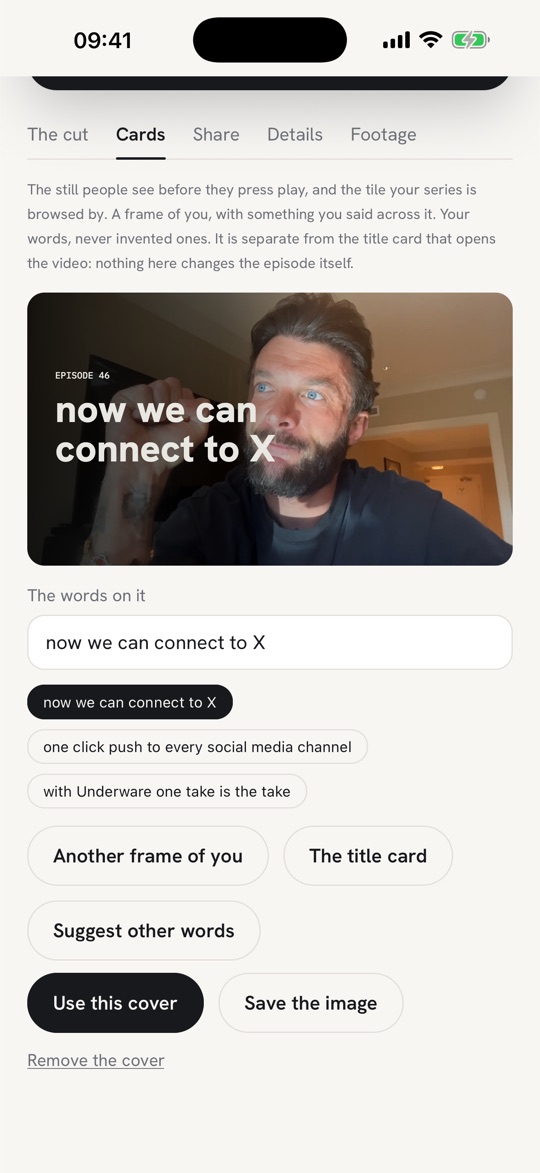
Every day it searches X and LinkedIn for people saying they have it, and writes a first reply in your voice. You press reply.
The searches come from your marketing brief, in the words your customers use, not the words on your homepage. Nothing is posted for you.
What it searches for
1Found
Someone on X or LinkedIn says, in their own words, they have the problem you solve.
2Your reply
A first reply in your voice that only helps. No link, no pitch, never your product's name.
3Talking to
You press reply. It keeps who answered, who you followed and your notes.
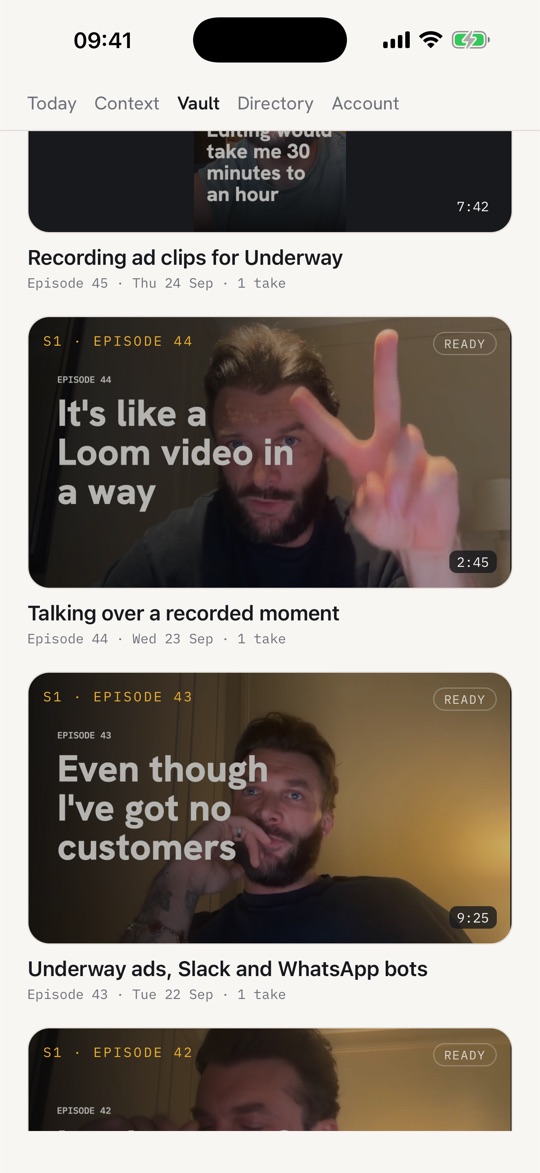
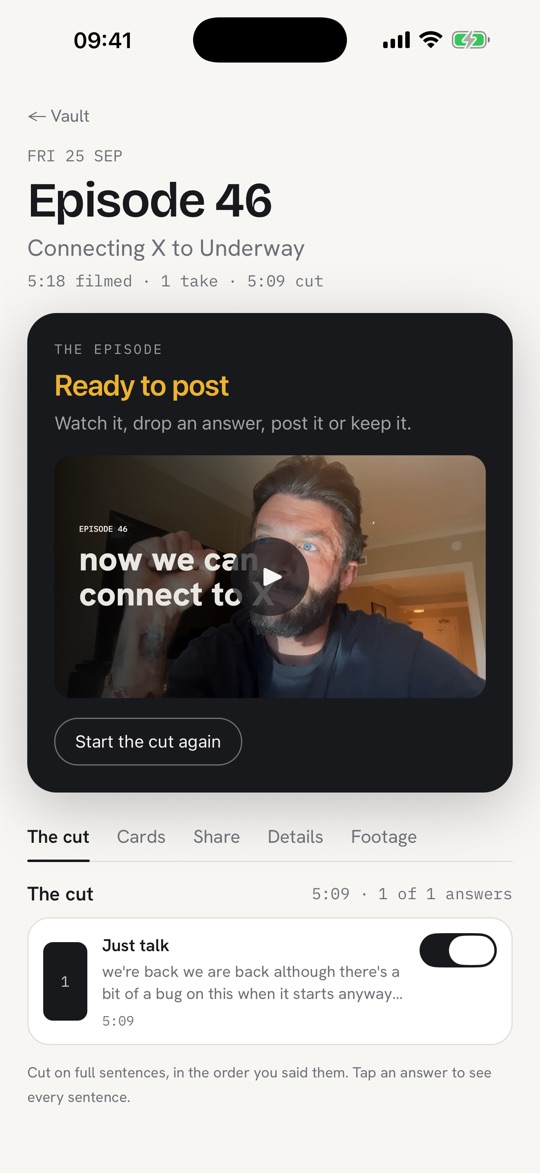
On your phone
Record on the sofa, post from the train. It all stays in sync.
Get it on the App Store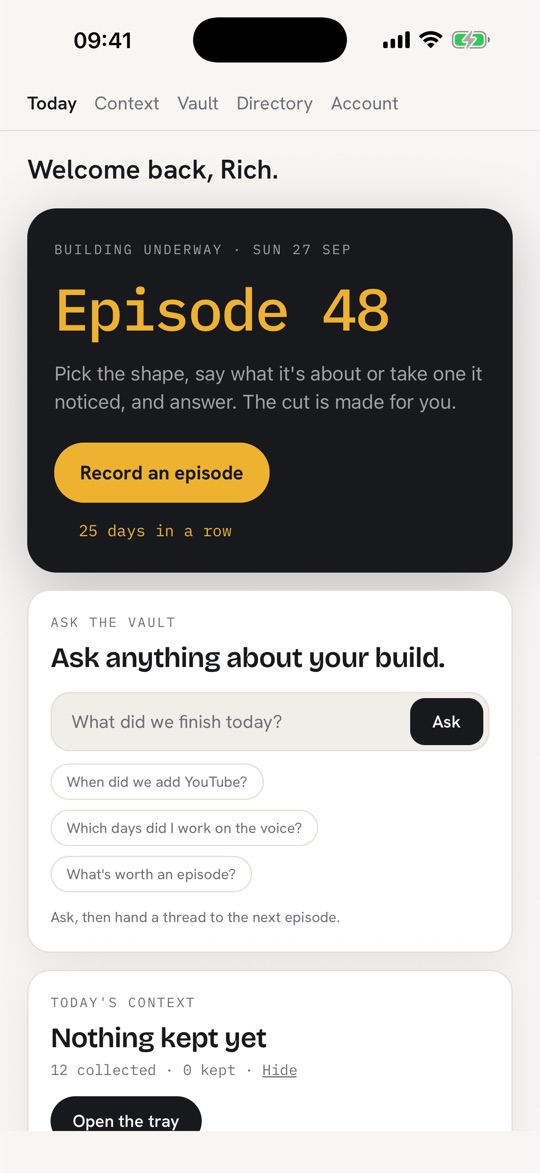
The rules
We never shuffle your answers around to make your video catchier.
We never add words you didn’t say.
Your episode is only you: no fake clips, no generated pictures. Our AI examples say so.
We never record without you pressing the button.
We never pick your questions to chase views.
We never lock up your recordings. You can download them on every plan.
Your kind of interview
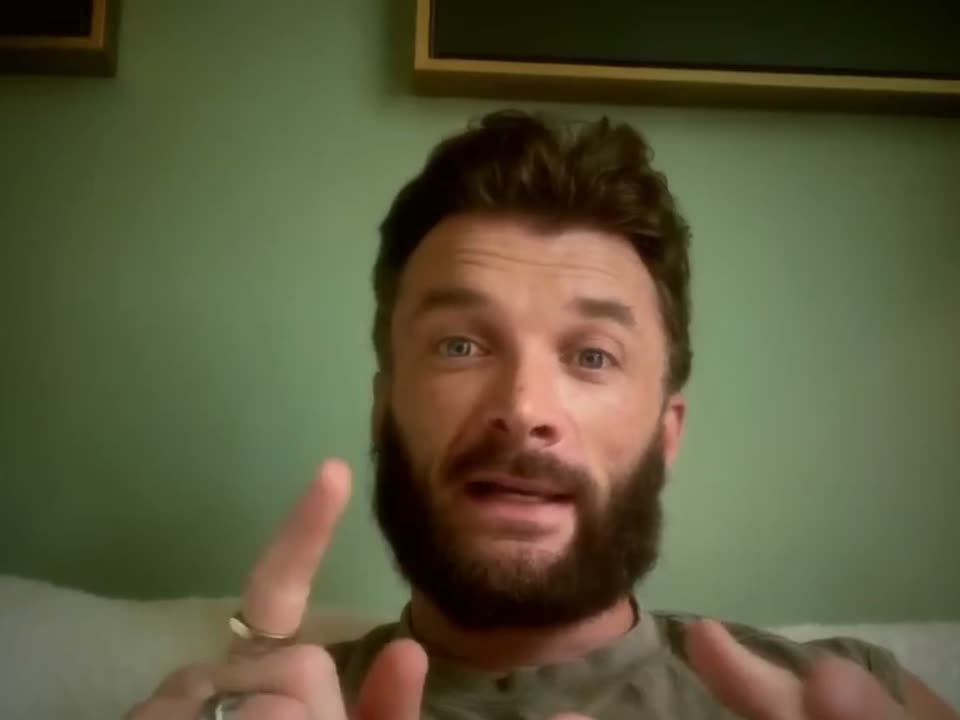 EPISODE 2 · BUILDING UNDERWAY
ASKED ALOUD · THE REAL QUESTION
In Episode 0 you said you and your fiancé had built your own app to a certain point and were both ready now for the marketing. Where does that app’s marketing actually stand…
ON CAMERA OR VOICE
A voice asks you out loud, one question for each thing you picked, and you answer each for as long as it takes. No script to write.
on every plan
CO-HOST
On WhatsApp, that could be a strong integration… Are you imagining it for notifications, like reminders and episode-ready messages, or more for input, like voice notes and replies?
YOU
Yeah, I mean, I’m actually thinking about it in a bit more of an advanced way.
PODCAST OR CAMERA
An AI co-host, a voice you chat with, that knows your story. Both voices are recorded, as a podcast or on camera.
CO-HOST TIME · EACH MONTH
On Company Record, each seat adds hours the whole team shares. During the 7-day free trial the co-host is 30 minutes, whichever plan you pick.
Pricing
7 days free on any plan, then from $29.99 a month. Your card at signup, nothing taken until day 8, cancel any time before.
or $299.90 a year
Talk for a few minutes, and never edit a thing.
Included
Worth it when you want the habit, the episodes and them going out, with no editing.
or $799.90 a year
One recording, everywhere you post.
Everything in Founder, plus
Worth it when you want every episode cut into Shorts without asking.
See what Series doesor $1,299.90 a year
Every episode made to be found.
Everything in Series, plus
Worth it when you want strangers to find you, not only your followers.
See what Studio doesor $1,790 a year
Your AI clone markets for you.
Everything in Studio, plus
Worth it when you want ads going out every week without filming them.
See what Studio Plus doesYour AI clone · Studio Plus
Studio Plus makes eight ads a month, 12 to 15 seconds each, that look and sound like you. You don't film them, write them or edit them.
It learns you
From the episodes you've already filmed: your face, your voice and your room. You type your name once to say it's you.
It writes and films the ads
Scripts from your marketing brief and the openings working in your niche, claiming only what your product really does. One take of you, your website on the laptop.
You say yes
Each ad waits for your approval, labelled AI clone on every frame, then is saved to your Assets, private, for you to post.
8ads a month on Studio Plus
2a month on Studio
5for $99 on any plan, never expiring
Opens once you have ten episodes, because it's built from them.
$499a month
Your content team, in your pocket.
Worth it when you know content would grow the business and it never gets made.
Everything in Studio Plus, plus
Everything in Studio for each person, a running record of the company, and the team's week in one video.
AI co-host hours reset on the 1st of each month, and a Company Record team shares one pool. Each chat can last up to 30 minutes. Extra hours are $9 each and don't expire while you're a member.
Add-on on Studio Plus: if an AI assistant does work for you, it can keep its own series too. From $59 a month filming once a week to $419 filming every day.
Your AI clone on any plan: top up 5 videos for $99, and they never run out.
Affiliates
No membership needed. Paid through Whop.
PAID TO YOU, EACH MONTH, FOR EACH PERSON
Ten people on Founder is $60 a month, for as long as they stay.
Questions
No. Answer by voice and you get an audio episode, with the questions kept in so it sounds like an interview. Or share your screen and talk it through, with your face in a corner. Or go on camera. Choose each time.
Nothing bad happens. Episodes are numbered in order, not by date, so there is no gap. Your streak counts only the days you chose: three a week is a streak. One tap pauses it.
About three minutes of talking, whenever suits you. The episode is ready a few minutes later, with nothing to do unless you want to cut a sentence.
Your calendar, your meeting recorder (Zoom, Fathom), your sales (Stripe, Whop), your newsletter (Kit, beehiiv), GitHub and more. It only looks, never changes anything, and you get an address you can forward any email to. Press one button and it reads the day: thirty small updates become the five that mattered, and it suggests what to talk about. You pick. Other people’s voices from meetings never go in an episode.
Yes. It keeps a log of what your connected tools show, ninety days back and updated every hour. Ask “when did we launch the new prints?” and it tells you the date, even if you never mentioned it.
No. They come from what you picked and your day, one each, and it remembers what you said before, so it asks about the decision you promised by Friday. To dig in as you talk, pick the co-host.
Yes. Every episode also comes as a podcast file, questions kept in. It can go out as your own podcast on Apple and Spotify, set up once. Or skip the camera and make the whole episode a podcast.
On your phone or computer first, backed up to your account if you sign in. Download everything, or delete everything, any time.
No. Every episode stays private until you share it, so you can start that way. When you do, the post for each site is written for you, and one tap posts to all your connected accounts, now or at a time you choose. On Series you also see how many people watched.
Yes, with Company Record, our team plan. Everyone records their own episodes, the company shares one memory, and each week you get one film of the week at your company. The company owns the episodes; anyone who leaves keeps a copy of their own.
Start with 7 days free: your card at signup, nothing taken until day 8, cancel any time before. After that, Founder is $29.99 a month for the interviews, your episodes, your page, posts written for your accounts, one-tap posting everywhere and a podcast feed. Series is $79.99 a month and adds posts and Shorts made as each episode finishes, a weekly round-up, a monthly film, view counts, and a one-page summary for investors. Studio is $129.99 a month and adds Pro YouTube thumbnails, an article on every episode's page and motion graphics. Everything stays private until you choose to share it, and on any paid plan you can share the whole vault at once, with a trailer made for you. Company Record, for teams, is $129 a seat a month from five seats ($99 a seat from twenty), each seat with everything in Studio. Pay yearly and get two months free on Founder, Series and Studio.
It’s too late for year one. It’s exactly the right time for this year.
Last word
Whatever you’re making, start recording today.
Card needed to start. Nothing taken until day 8, cancel any time before.
underway: while it’s happening.
From the series
Every public episode on underway has a page of its own: the video, then the same account in writing, checked against what the founder actually said.
Browse every series
Building Underway
Underway's first annual trial customer reached the end of their trial and the first payment attempt came back as insufficient funds. I talk through what that does to the maths when acquisition costs 60 to 80 dollars a customer and the plan is 129.99 a year, and why a fake or empty card early on makes the whole thing feel less sturdy than I thought. I also get into the fact that this is habit-based software: people know they should document, getting them to actually do it is the hard part, so the numbers only work at a much bigger top of funnel. I'm staying in it for the long haul, and there's an announcement I'm saving for another episode.
Building Underway
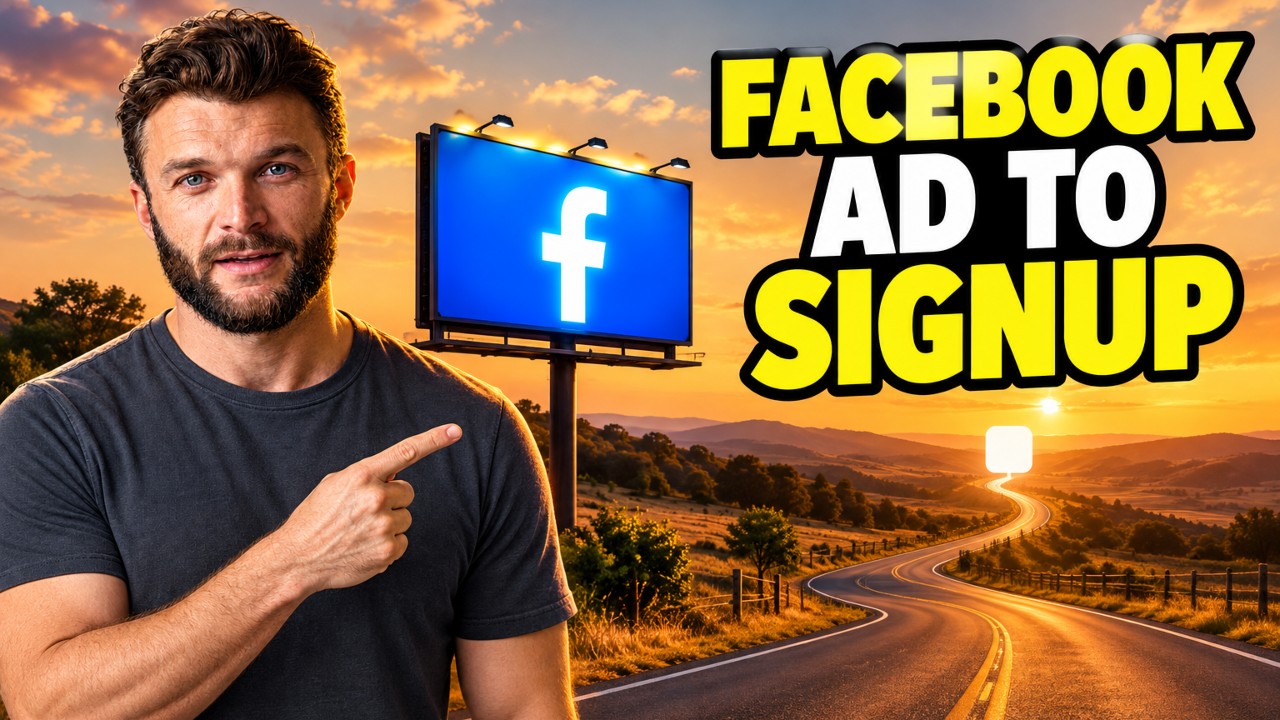
I walked through the whole Underway journey end to end, from the Facebook ad to the free signup, covering the landing page, leaving an email, and what you get as a free user. I showed the step one setup, the talk me through it option with Coral, the demo account mirrored from my own, and episode zero as a free practice recording. Along the way I hit a couple of bugs, including Coral referencing something I had not said and the practice recording jumping straight into video instead of offering audio. The experience itself I think is pretty much there, the bugs are on my list.
Building Underway
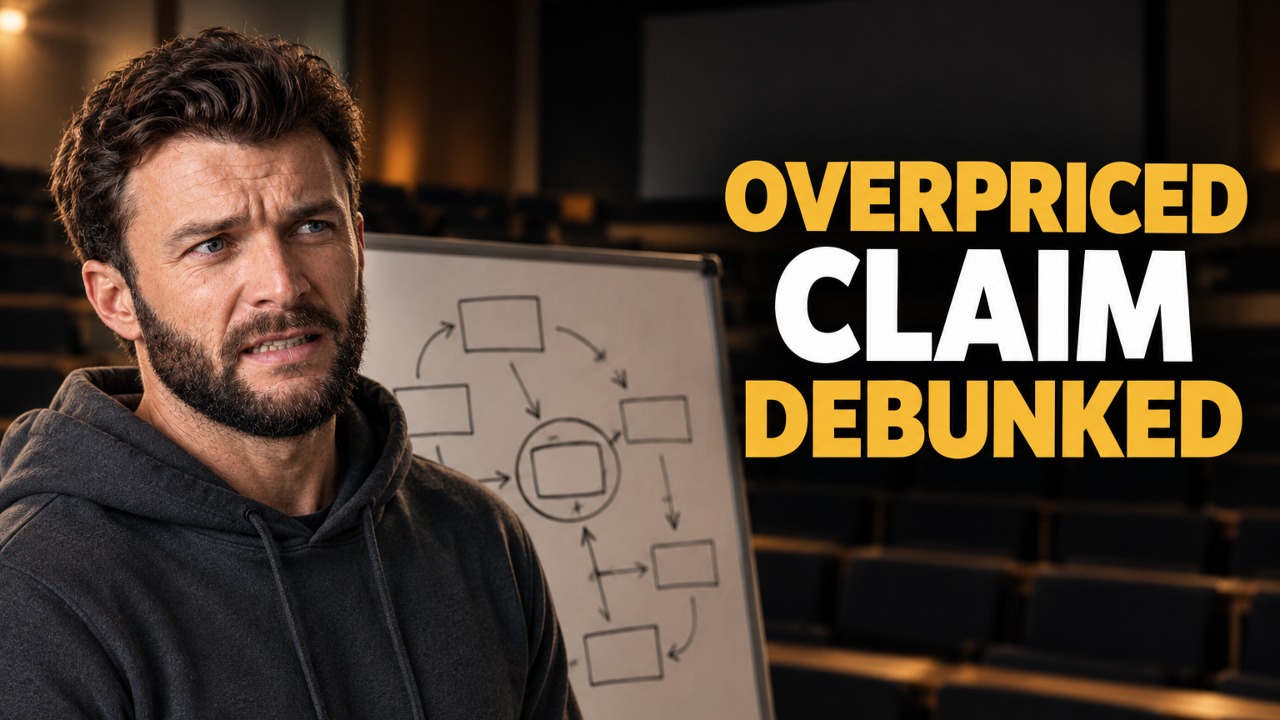
A signup emailed Underway last night saying $129 a month is way overpriced for a clipper, and that he could pair Riverside at $29 with an AI at around $21 to interview himself instead. I read through his whole email on camera: no option on the shorts for just his face and captions without graphics or B-roll, how to get Cedar to interview him on a specific topic, and his view that systems like this are built for clippers and sellers rather than informational work. I changed the code so top-level members can remove the animation, re-rendered his shorts plain in his brand font, and replied explaining what the $129 plan covers beyond clipping: the ads, the statics, the in-pocket director, and the context it builds from your email, calendar, website and Instagram. I offered to move him to the $29 Founder plan, sent my booking link, and I'm waiting to hear how the re-rendered shorts look.
Building Underway
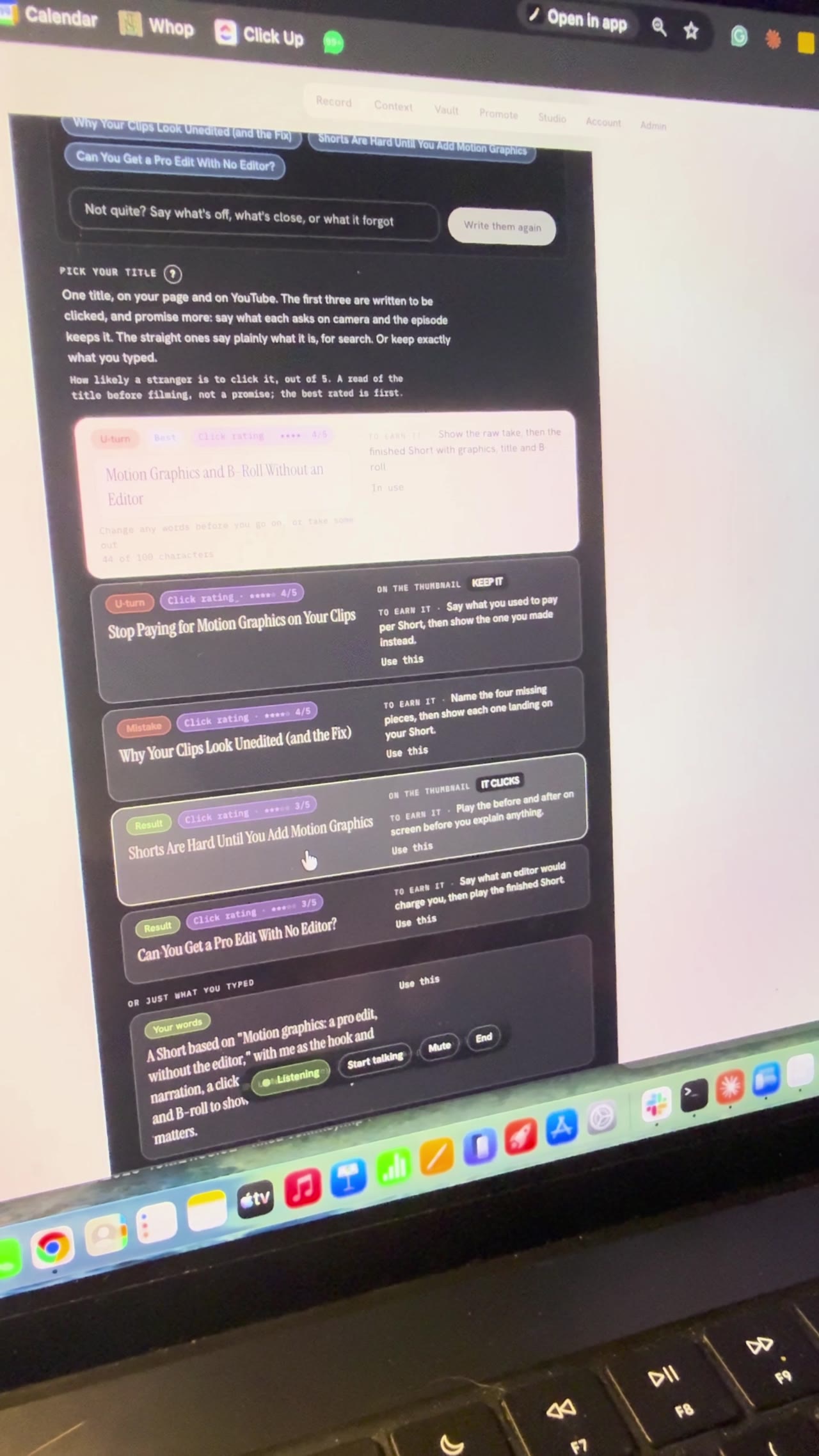
I planned a YouTube video with AI by talking to Bert, the director inside Underway, live on camera. Bert offered three ideas, then found the feature videos in my vault, and we picked Motion Graphics, A Pro Edit Without the Editor to remake with me as the hook and narration. It wrote five title options, I chose Motion Graphics and B-roll Without an Editor, and it broke the video into six sections to film one at a time. I stopped at the set up your shot screen, so part two is where I film it.
Building Underway
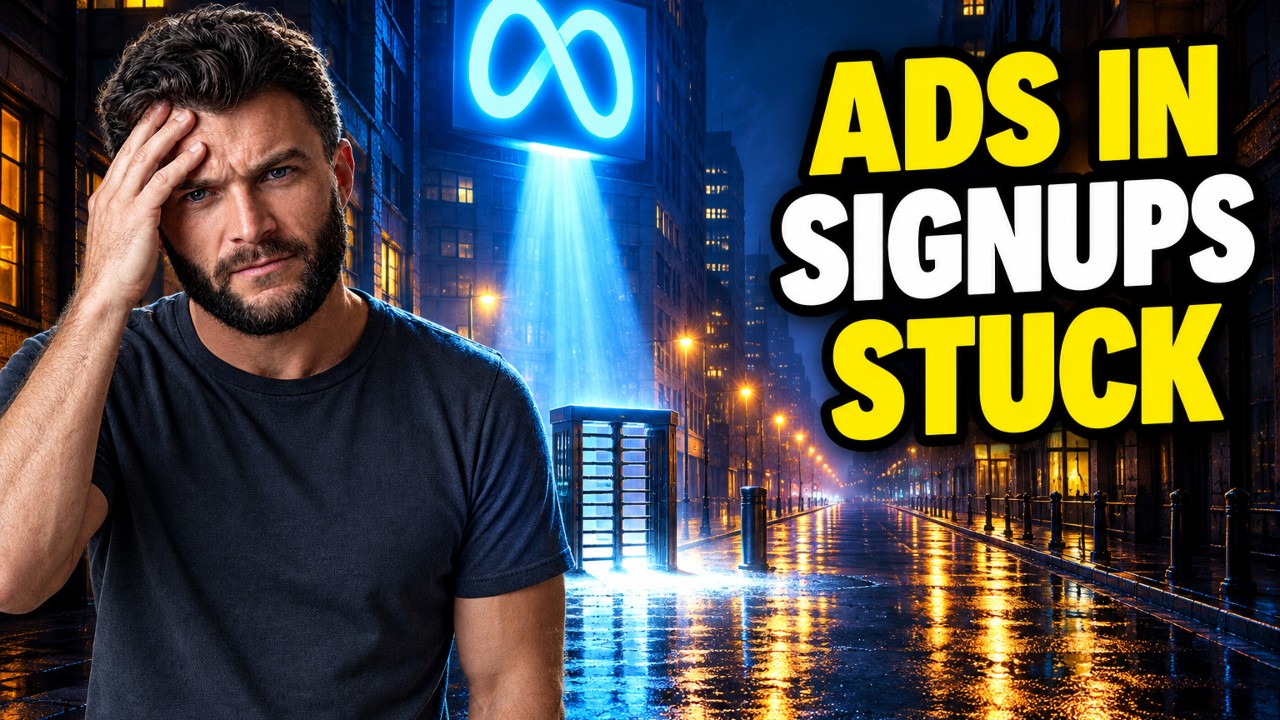
I went through the Underway signup funnel properly for the first time, after seeing that the signups coming in overnight from our ads were all getting stuck early in the app. Last time I tested it I only left my email and had a quick browse, so I missed it. Looking at it on mobile, as someone who has just clicked an ad and doesn't know what Underway is, it's overwhelming. I'm spending time now hiding things like connections away to simplify it, and we also started X ads today.
Building Underway