
Article
build in public without editing, in three steps
11 September 2026 · 7 min read
 By Rich LovattLinkedIn · Updated 14 October 2026
you can build in public without editing by letting something else do the parts that are not talking. underway is an app built for that. it reads your day from the tools you already use, asks you a few questions about it out loud whenever suits you, and a few minutes after you stop there is a finished, numbered, captioned episode. three steps, and none of them is editing.
it is for founders at any stage and anyone documenting a build, who would post more if posting did not mean an hour in an editor. there is a 7-day free trial of any plan, with a card added at the start and nothing charged until day 8.
why building in public stalls at the edit
the list is familiar to anyone who has tried. you do not know what to say. you would have to set up a camera. you would film it three times. then you would edit: trim the false starts, add captions, a title, export the right shape for each network, write the post. filming takes minutes. the edit takes the hour you do not have after a day of building, and after a week of skipped edits the series quietly stops.
the common advice is to lower the bar: post raw, write instead, pick one platform. it helps, and it trades away the thing that makes video worth doing, which is a clear, watchable record of you saying what happened. underway takes the other route. keep the bar, and take the editing away.
how to build in public without editing: the three steps
step 1: it reads your day
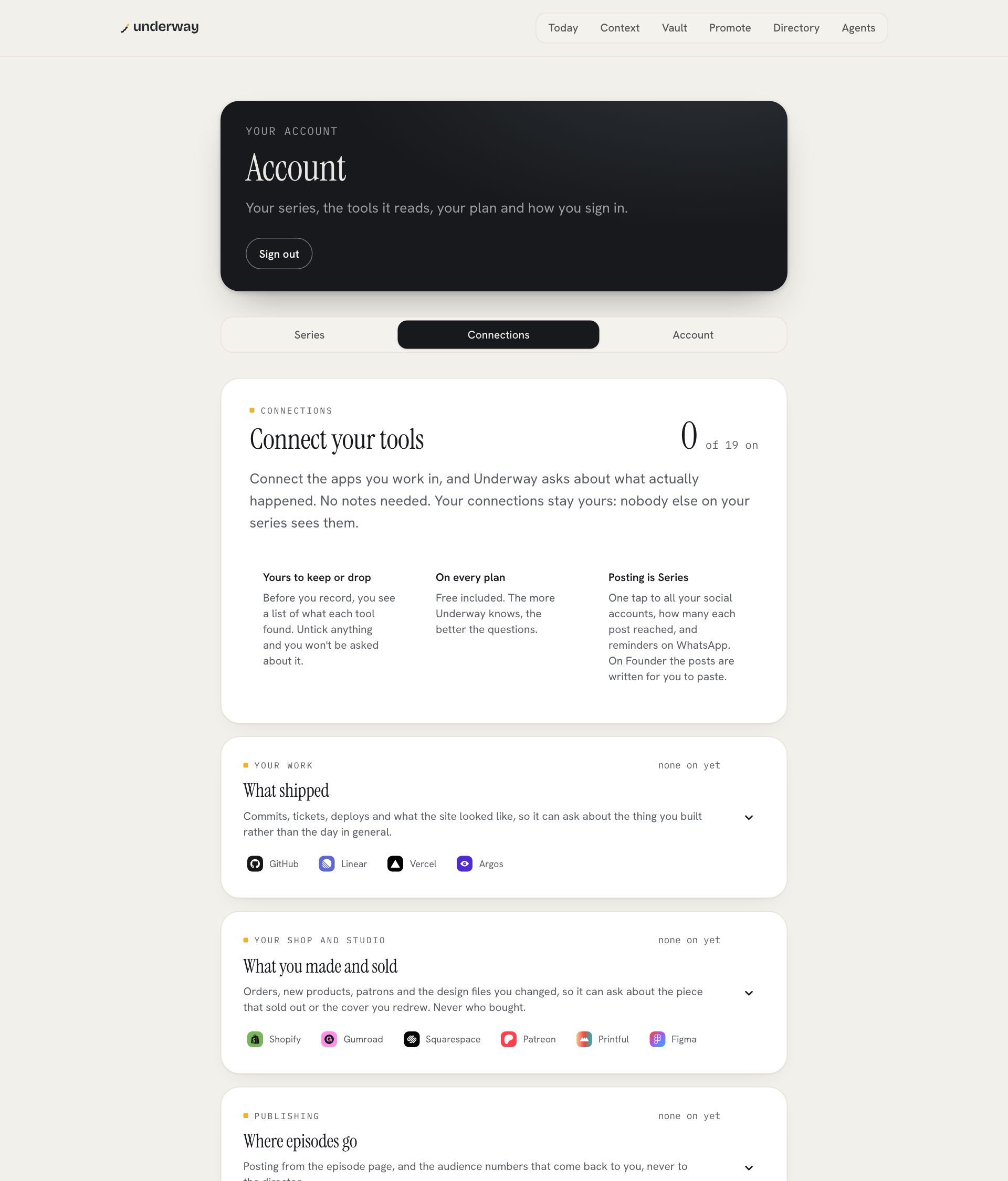
connect what you already use, if you like. github, linear and vercel for what shipped, google calendar for meeting titles and times, fathom, fireflies or zoom for what was said, stripe and whop for payments, plausible for traffic, kit or beehiiv for your newsletter, shopify, gumroad and the other shop tools for what sold. every connection only reads, and every one is included on every plan, the trial too. other people's voices from meetings never become footage.
through the day it gathers what happened into a tray, plus anything you add yourself: a voice note, a fifteen-second moment to camera, a screenshot, a link, a line. when you sit down to record, it already knows roughly what today was, and your season suggests what is worth filming. you never start from a blank page.
step 2: you answer
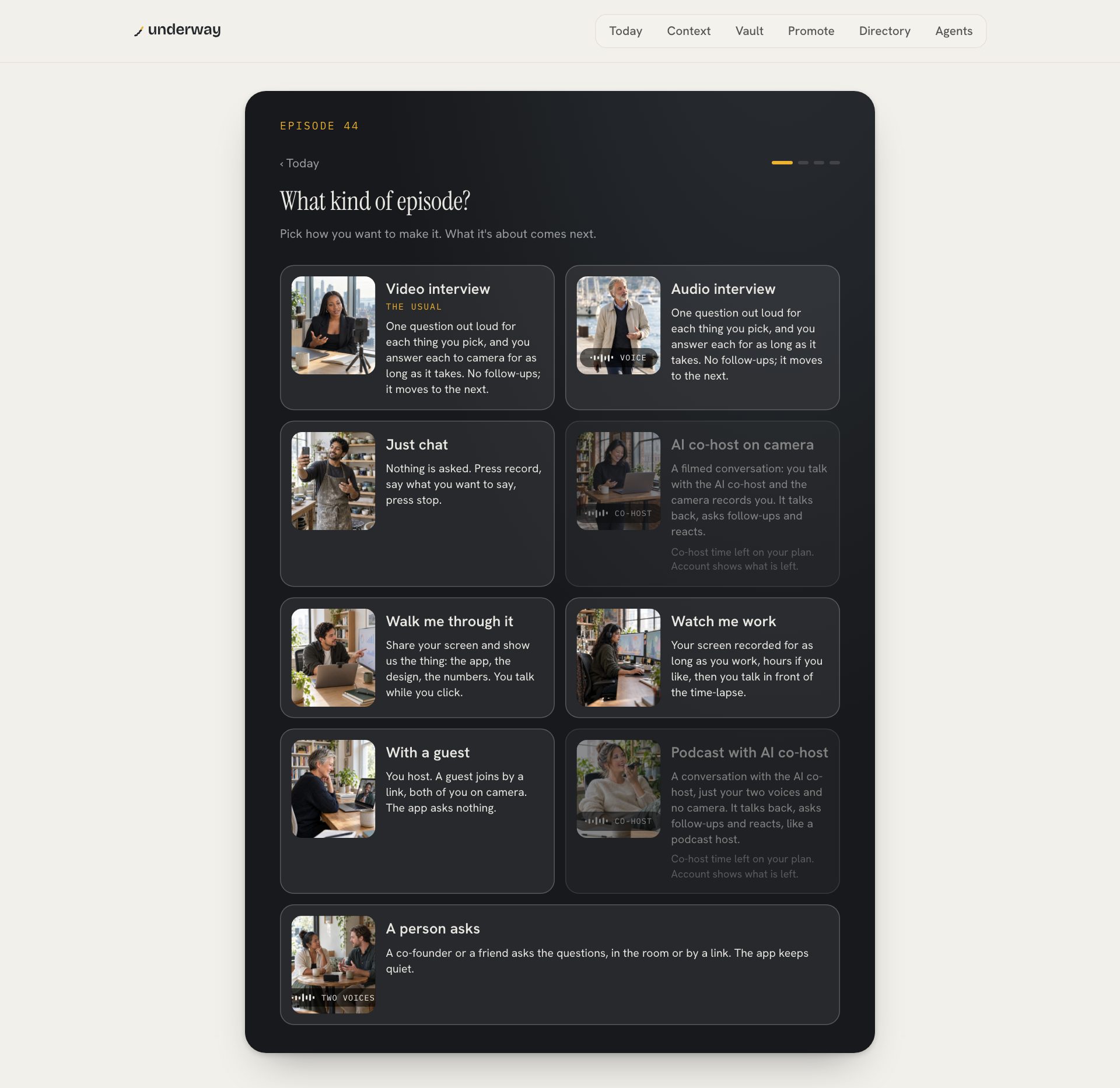
press record an episode and pick the kind: a video interview, an audio interview with no camera, a walk-through of your screen, a conversation with the ai co-host, or just chat with nothing asked. then pick what it is about, up to nine things. each becomes one question, written before you start and shown to you so you can change it.
the questions are asked out loud, one at a time, in a voice you chose for the series. you answer each for as long as it takes, and it moves to the next. there are no follow-ups and no countdown, and it ends after the last question. one take is the take: mistakes, pauses and restarts are fine, because the cut takes them out. a retake is for when you got a fact wrong.
step 3: the episode is ready
when you stop, the job is done. the episode is cut and rendered on the server while you get on with your day, usually a few minutes. your answers in the order you said them, cut on full sentences, the ums, false starts and long pauses out, captions burned in, a title card with your series name and the episode number, and a small made with underway mark in the corner.
then the words are written for you: a youtube title and description, a linkedin post, an x thread, a caption for tiktok and instagram, a reddit post, a snap caption, show notes and an article, all from what you said. keep the episode private, put it on your page, or post it.
what you still control, without an editor
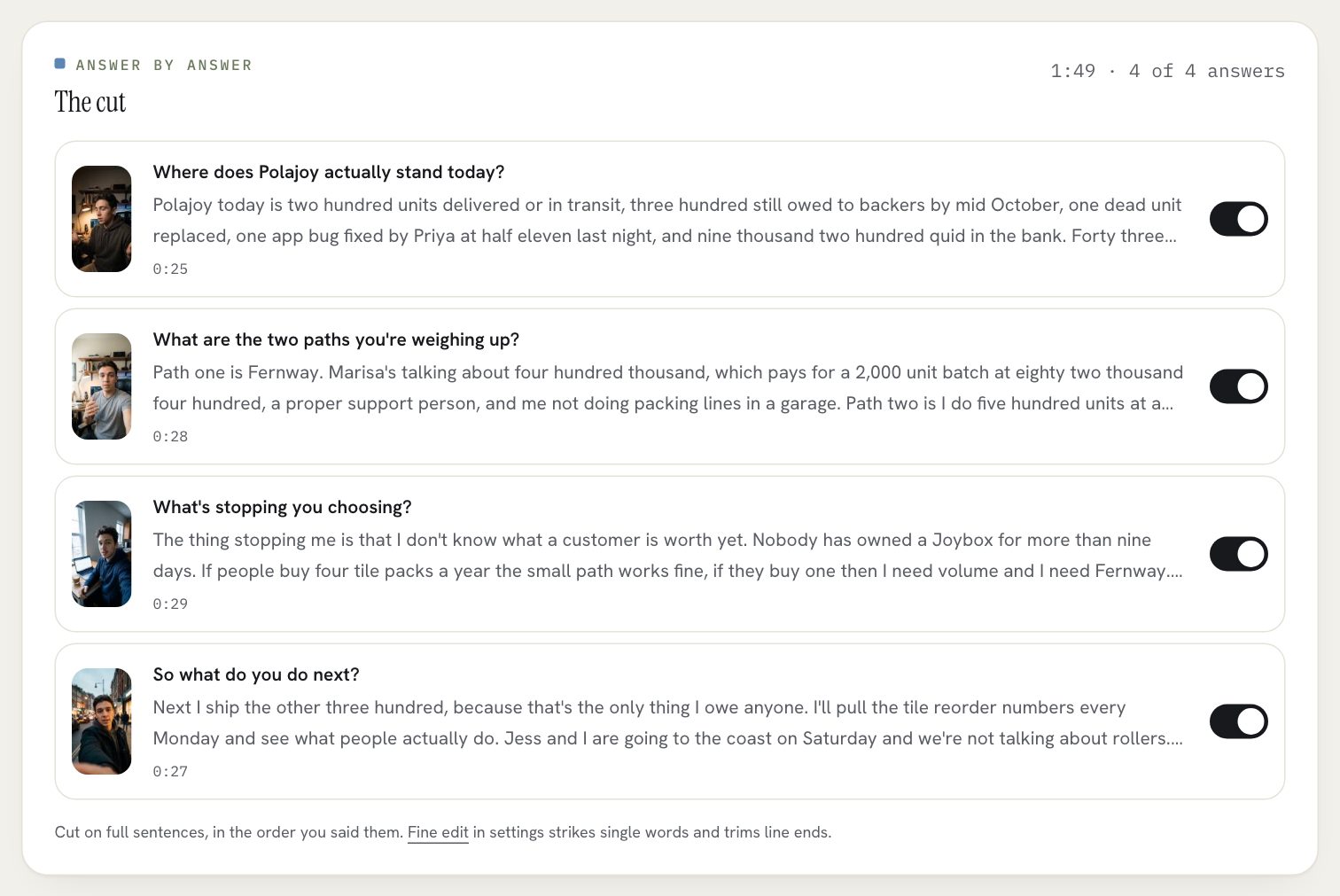
no editing does not mean no say. the cut lists every answer with a switch: turn one off and the episode updates. the fine edit strikes a single word. your brand, a logo, your colours, a typeface and an optional picture behind the card, is set once and goes on every episode after. the polish is set once too: dialogue clean-up, the transition between cuts, the grade. there is no timeline to drag around, because you are not the editor.
what the edit never does is change what you said. nothing is reordered to make a better hook, no words are added, and no footage is invented. the honesty is about substance. the polish is about looking like you meant it.
if you ever want to cut something yourself, the raw recordings download from the footage tab on every plan, the trial included.
build in public without editing: the tools compared
people who want to build in public without editing usually weigh three kinds of tool: an editor that makes editing easier, a clip tool that cuts a long video for you, or posting straight from the phone. all three are reasonable. they leave different jobs with you.
| underway | descript | capcut | opus clip | posting raw from your phone | |
|---|---|---|---|---|---|
| deciding what to say | questions from your day, asked out loud | yours | yours | yours, before you filmed | yours |
| the edit | done for you, in the order you said it | you, by editing the transcript | you, with templates and auto captions | it cuts clips from a long video | none |
| captions, card and words for each network | made for you every episode | you add them | you add them | captions on the clips | you write them |
| a numbered series in order | yes, in a private vault | no | no | no | no |
| pick it instead if | you like editing and want control of every frame | you want a free editor with effects | you already record long videos | you are happy with rough and never miss a day |
the short version: an editor makes editing faster, and you are still the editor. a clip tool needs the long video to exist first. underway starts from nothing, by asking you questions, and hands you the finished episode.
what it costs
- a 7-day free trial of founder, series or studio for every new account: card at the start, nothing charged until day 8, and an email three days before with the date and how to cancel.
- founder, $29.99 a month or $299.90 a year: the three steps, by voice, camera or screen, an episode minutes after you finish, your page, the words for every platform, every connection, thirty minutes of ai co-host conversation a month, and posting to your own accounts.
- series, $79.99 a month or $799.90 a year: everything in founder, plus one tap posting to youtube, linkedin, tiktok, instagram and x, the week in one cut, the month in one film, the podcast feed, the series deck and two hours of co-host time.
- studio, $129.99 a month or $1,299.90 a year: everything in series, plus pro youtube thumbnails, motion graphics, an article on every episode's page and three hours of co-host time.
nothing goes out unless you send it
every episode is private until you publish it, on every plan. it waits in the vault, numbered and dated, and nobody sees it until you choose. the camera and mic only record when you press the button, and a red light says so. any episode can be deleted from the bottom of its page, which removes the video, the transcripts and everything cut from them, and your raw footage is yours to download whatever plan you are on.
and a missed day costs nothing. episodes are counted, not days, so the next one is simply the next number. the streak counts against the days you chose, and one tap of pause protects it.
can you really build in public without editing?
yes, if something else does the edit. in underway you answer questions and the cut, captions, title card and the words for each network are made for you. switching an answer off is the most it asks.
how long does it take each day?
as long as your answers. each thing you pick is one question, so one pick is a short episode. the episode is ready a few minutes after you stop.
what if i don't want to be on camera?
pick the audio interview and answer with your voice only. it makes a podcast episode with the questions kept in, numbered like the rest, and a video of it with a waveform and captions for youtube.
will it make my video look amateur?
no. it cuts on full sentences, cleans the audio, captions every word and opens on your card in your brand. the aim is that it looks like someone edited it.
does anything get posted automatically?
no. nothing goes out until you press a button. once your series is public you can choose to have finished episodes listed on your page as they are made.
the plans, and what each one includes: pricing.
the formats a daily video can take, and how long each costs you: build in public video.
this is part of underway's guide to building in public: how to build in public.
From the series
Founders’ episodes, written up.
Every public episode on underway has a page of its own: the video, then the same account in writing, checked against what the founder actually said.
Browse every series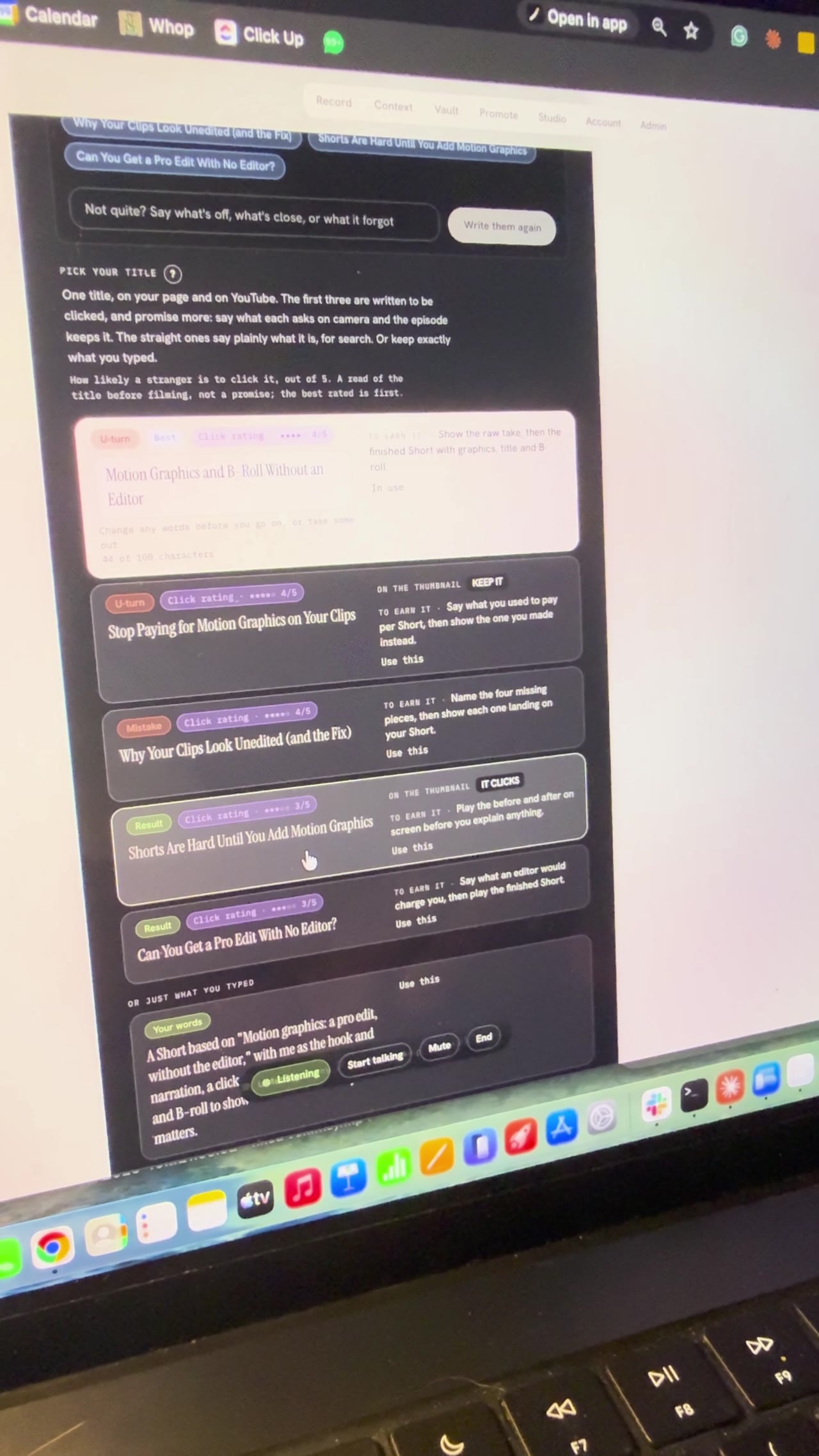
Building Underway
Setting up a video by talking to my AI director
I gave a first look at the Underway Crew, the director and producer inside Underway, and used an AI director to pick my YouTube title and sections live on camera. Bert, the director, offered three ideas, then found the feature videos in my vault, and we picked Motion Graphics, A Pro Edit Without the Editor to remake with me as the hook and narration. It wrote five title options, I chose Motion Graphics and B-roll Without an Editor, and it broke the episode into six sections. I locked in filming it in sections and stopped at the set up your shot screen, so part two comes next.
Building Underway
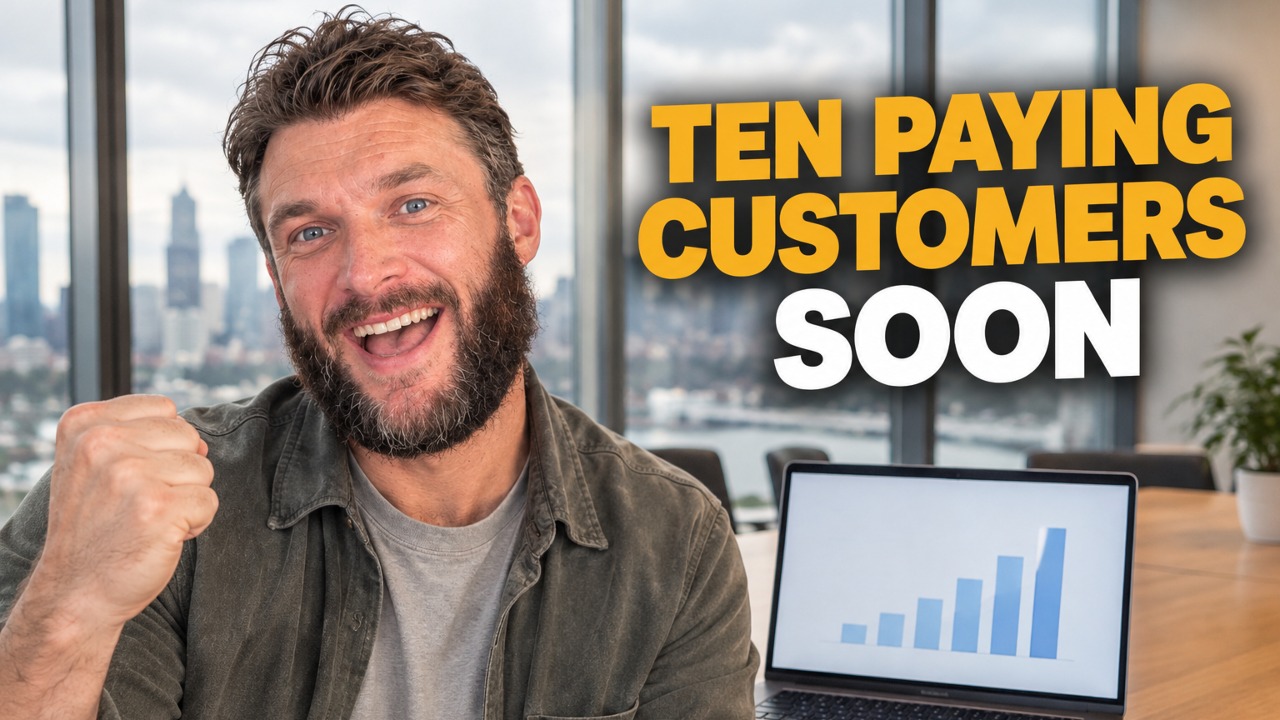
SaaS pricing for a higher tier, nearing 10 paying customers
I talked through how I'm pricing Underway's next tier while closing in on the goal of 10 paying customers I set when series one opened. There are somewhere around 15 to 20 people on trial and very few have cancelled, and most signups are now on the $129.99 plan with a seven day free trial, even though people close to me still say they don't quite grasp what Underway does. I'm also in the early stages of a higher-priced membership that acts like a director and producer in your pocket: it researches your niche, brings you video ideas when you say you're ready to film, and talks you through the recording section by section. I'm using it on myself while I build it.
Building Underway
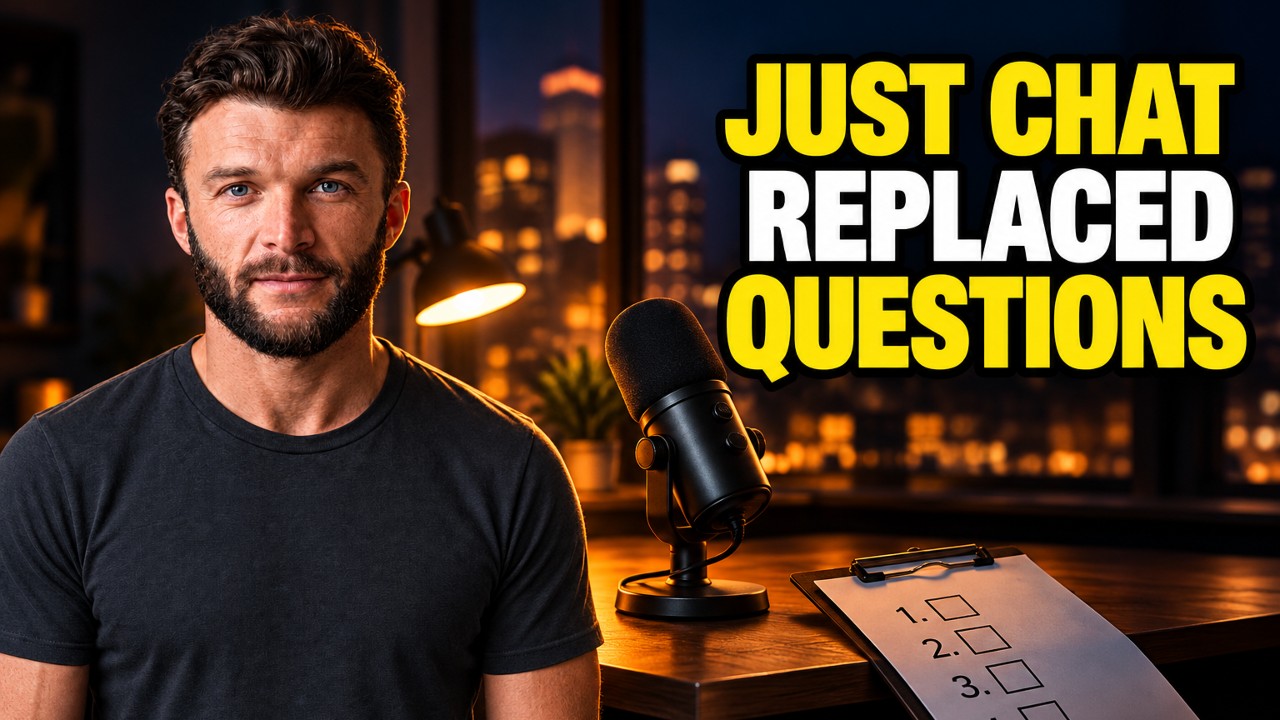
AI podcast host that interviews you: my build so far
Tonight was a hell of a long one. Continued build from the evening as well. GPT looked at my site and codebase and came back with some legit ideas. Both videos on the site are fine, it said, but nothing shows what being on the inside looks like. Especially the podcast path for founders who want to talk but don't want to be on camera. I thought working on the podcast would be simple compared to video. It wasn't. Far behind, and way more fiddly than I imagined. In my head it wasn't just rambling into a mic. You're speaking to something that knows your business, what you've said, what you've achieved. What I built is Just Chat. Tired, don't want the camera, you just talk like someone's in the room asking you questions. It remembers last night's lag, the interview scaffolding I stripped out, the patent lawyer, all of it. You can have the app host, or someone in the room, or send a link so they join without installing anything. I've also made topics simple. It suggests some, or I type "let's talk about hiring" and we go. Tonight I want to record another episode with Just Chat itself so you can hear how it comes out. The breakthrough for me is wanting that same tech on the video side. Right now video questions are still a bit robotic. You pick four, it asks, you tap done. Fine, but after Just Chat it feels different. Downside of all this is it ends up quite expensive. We will see. Episode 16 (1 of 2 filmed on 7 Sept).
Building Underway
Posting Is Hard Until an AI Agent Directs You
Underway Producer is the AI video director I built that picks up what I'm filming, sets me up and directs me through each take out loud. It connects to my email, GitHub, Linear and Vercel, so the agent speaking to me knows what my day held. Each take comes out as a fully edited long episode with captions, shorts and clips, thumbnails, the copywriting for every social post, an SEO article, and it posts to all my channels in the right format. I filmed alone for years with no plan and bad lighting, and most of that footage never left my camera phone.
Building Underway
Making a launch video with AI in one shot: GPT-6 Astra
GPT-6 Astra dropped a few days ago. I kept seeing people on X say they'd one-shot a launch video with it, and the clips looked wild. So I gave it a go. Sent what came back to my fiancée. We both just sat there for a second. She said she was proud of me, because it finally looked like the thing I've been trying to build and the problem it solves. Also added two bits that feed into the patent application: a watcher that bumps you when you hit a milestone so you can record the feeling right then, and a habit former that learns how you like to film. Episode 12 done.
Building Underway
AI that suggests video topics from your past episodes
I said on the last episode I'd do the podcast next, but I lied. I had something else I wanted to show you first. It's a suggested topics tab. It reads everything I've said in every episode and picks up the things I never tied off, like when I say I've been thinking about something but haven't decided. The one it gave me was whether the videographer shoot still happens. I booked him for next weekend, then GPT-6 Astra one-shotted something I said I'd pay a lot for, and I never said on camera whether I kept the booking or cancelled. It quoted me back to myself, "I haven't made my mind up yet". So I can just do a whole episode on that and close it off. If it suggests an old topic I know I'm not going back to, I can remove it. That doesn't mean something like it won't come up again, it just gets replaced. Then I clicked stop sharing and the timer kept going. It didn't say I'd stopped. When I came back to the tab I think it had. We'll watch this back and see. Another bug. Episode 14 done.