
Article
how to record a remote video interview (not the call)
4 October 2026 · 10 min read
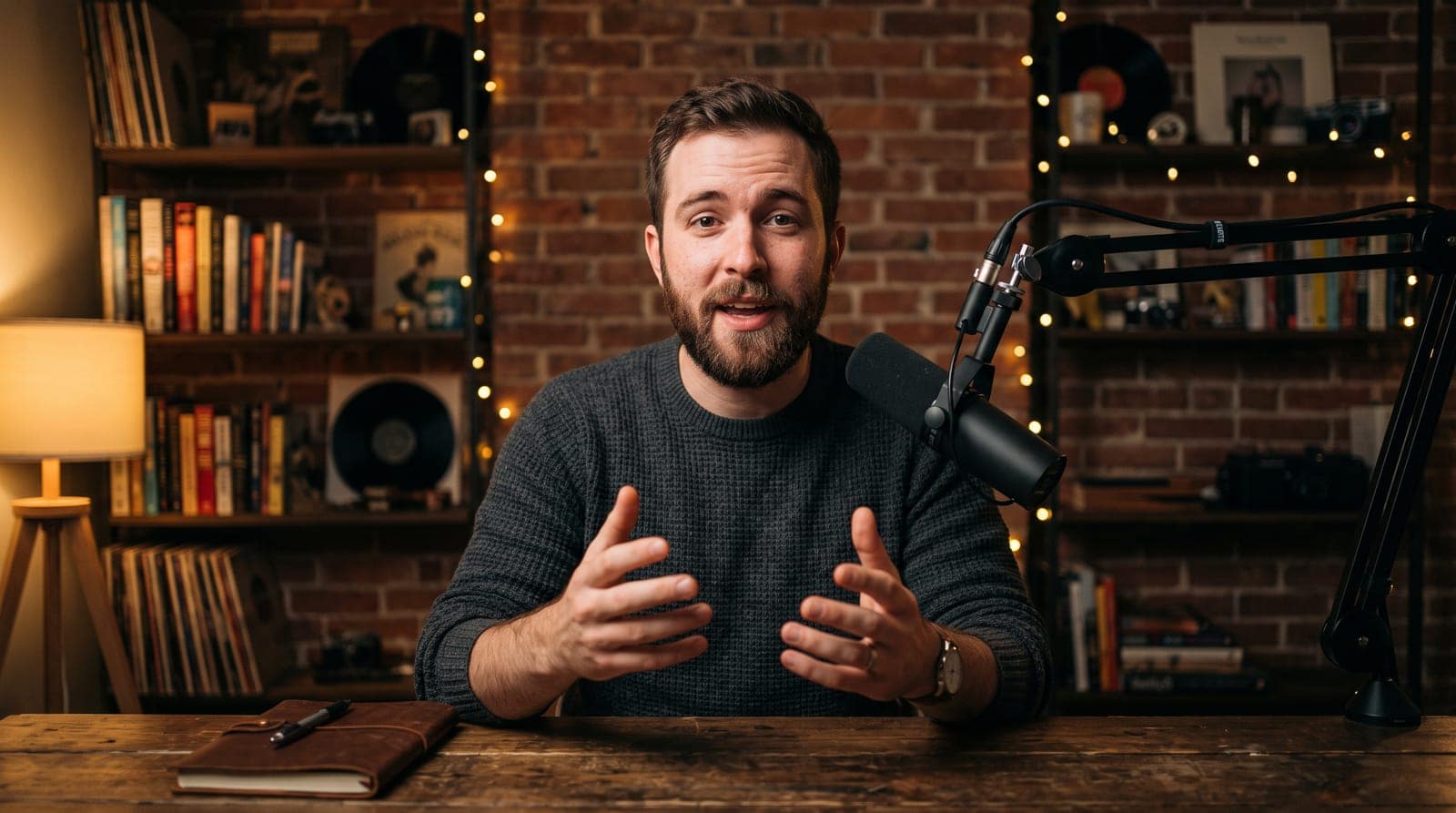
Post on Xthe film above is a dramatisation. marcus and priya are characters, played to show how the interview episode in underway works. the steps are real; the people are not.
how to record a remote video interview: the short answer
how to record a remote video interview, in one line: do not record the call. have each person record their own camera and microphone on their own machine, at full quality, and use the call only so you can hear each other. then lay the two recordings side by side.
the call is the worst copy of the conversation there is. it is compressed to fit the connection, it drops frames when the wifi wobbles, and it carries whatever the guest's laptop did to their voice on the way. a recording made on each side never went through any of that.
two more things make the difference between a recording and an episode: get the guest's agreement to be recorded and published before their mic is live, and make sure a closed tab on either side costs seconds, not the hour.
why recording the call looks and sounds worse
a video call is built to keep talking, not to look good. when the connection gets worse, the call keeps going by sending less: a softer picture, a thinner voice, a frozen face for a second. that is the right trade for a meeting. it is the wrong one for something you want to publish.
if you press record on the call, you are recording that trade. the guest's half of the episode is whatever survived the trip to your screen. you can have a good camera, a good mic and a quiet room, and still publish something that looks like a meeting, because the recording was made after all of that was thrown away.
recording each side locally is usually called a double-ender, from radio, where both ends of a phone interview were taped in their own studios and joined afterwards. the idea is old. what changed is that a browser can now do it, so the guest does not have to install anything or send you a file.
how to record a remote video interview, step by step
this works with any tool that records each side locally. the steps are the same; only the buttons change.
- decide how long it can run before you start. a cap you chose beforehand is easier to keep than one you invent at minute fifty.
- send the guest one link and one short note: the time, which browser, headphones on, a quiet room, laptop on mains power.
- ask the guest to agree to be recorded and published under their name, and get that agreement on record before their mic goes live, not in a reply buried in your email.
- both of you check your own level before you start. a bar that moves when you talk is the cheapest test there is.
- both wear headphones. without them, a laptop's speakers play the other voice into its own mic, and you hear yourself in their track.
- start recording on both sides at once, with a countdown both of you can see, so you both start talking on the same beat.
- talk. if the call stutters, carry on: the call is only how you hear each other.
- stop, and wait for both recordings to finish uploading before anyone closes a tab.
- line the two recordings up, put them side by side, take out the long silences, level the two voices and caption both.
the step people skip is the upload. a local recording that has to be sent as one big file at the end is only as safe as the guest's patience and their connection. the safer way is to send it in small parts while you talk, so most of it is already up before anyone says goodbye.
what to do about consent before you record
most guides on page one skip this, and it matters more than the microphone. the person you are interviewing is agreeing to two different things: being recorded, and being published. a yes to a chat is not a yes to a video with their name on it.
the clean way is to ask before anything is recorded, in the place they join, in plain words: you will be recorded, and the recording may be published under your name. if they do not agree, they do not join. that protects them, and it protects you when they share it a month later and someone asks.
rules on recording people differ by country, and in the US by state. this is not legal advice. it is the habit that keeps you on the right side of most of them: ask first, ask clearly, and keep the answer.
how underway records a remote video interview with a guest
underway is an app for documenting a business as a numbered series of episodes. most episodes are you being interviewed. the interview episode turns that round: you host, a guest joins by a link on camera, and the app asks nothing. it is for the founder who wants to make a show out of other people's builds.
here is what it does, as built:
- you set it up with your guest's first name and a cap: 45 minutes, an hour or 90 minutes. it stops itself there, or when you press stop.
- you make an invite link and send it however you like. it works for thirty days, and closes two hours after the interview is finished, so an old link cannot be reused.
- your guest needs no account. the join page asks for their name, their camera and microphone, shows them their own level, and asks them to agree to be recorded and published before join the interview will let them in.
- start recording counts three on both screens. your machine records you at full quality, theirs records them, and neither recording goes through the call. a bad connection makes the call worse and the episode no worse.
- each recording goes up in parts as it runs, so a closed tab on either side loses seconds, not the hour. the screen says how many parts are up on each side.
- there is no question list and no clock beyond your cap. you are the interviewer. ask what you like.
when you stop, you wait for both recordings to finish going up and press cut the interview. the server lays the two of you side by side, you on the left and your guest on the right, each named. it takes out the pauses where you both went quiet for more than a beat, cleans and levels each voice on its own before mixing, and captions both: your words in your caption colour, theirs in your accent. it opens on your episode card and carries made with underway like every other episode.
there is no cut to edit, on purpose. nothing is reordered and nothing is struck: the file is the conversation as it happened, minus the silences. the episode page still has everything else: a cover, sharing to your page and your connected accounts, downloads, and the two raw recordings. find clips on the share tab cuts short vertical clips from it, the two of you stacked, host above guest.

what it needs, plainly: chrome, edge or firefox on a laptop or desktop, on both sides, because the recording is made in parts only those browsers can make. it is not on the phone yet. headphones on both sides. an hour takes a while to cut; the episode page updates itself and says how long it has been going.
remote video interview tools compared
underway is not the only way to do this, and for some people it is not the right one. a fair comparison:
| underway interview | Riverside | Zoom | StreamYard | |
|---|---|---|---|---|
| what it is for | an episode in your own numbered series | recording podcasts and video interviews | meetings and calls | live streaming, with recording |
| records each side locally | yes, both sides, uploaded in parts as it runs | yes | records the call | offers local recordings |
| guest consent on the join page | yes, before the mic is live | check the tool | a recording notice | check the tool |
| editing | none: pauses out, nothing reordered | a full editor | none built in for video | light, aimed at streams |
| side by side, captioned | yes, both voices captioned | yes, with layouts to choose | export the call view | layouts while streaming |
| best when | you want the conversation as it happened, with no editing | you want control over every cut | you only need a rough copy | you are going out live |
Riverside deserves its place at the top of the results. if you run a weekly interview show and want to cut each one by hand, choose layouts and add b-roll, it is built for that, and underway is not trying to be. Zoom is fine when the recording is a record rather than something you publish. StreamYard is the one to pick if you go out live.
underway's version is narrower on purpose. it is one kind of episode inside a series you are already making, with no editing step, for a founder who would rather have the conversation than produce it.
why host a guest on your build in public series
the reason to bring someone on is not only the conversation. it is who they bring with them. a guest has their own followers, and when the episode is out they have a reason to share it: it is about their work, with their name on it, and they look good in it.
that is distribution you cannot buy with a better hook. your audience meets someone new, theirs meets you, and both of you get an episode. for a founder posting into near silence at episode 6, one guest who shares it can be the first time a stranger sees the series.
who makes a good guest for a founder's series:
- another founder a few months ahead of you, or a few behind, on the part you are stuck on now.
- a customer who changed something about how you work.
- a supplier, maker or freelancer whose work is inside your product.
- someone you are about to hire, or just hired, on why they said yes.
- a founder in a different trade with the same problem: pricing, a first hire, a slow month.
the thing they have in common: each of them can talk about something real that happened, and each has a reason to send the episode to people who know them.
faqs
what is the best way to record a remote video interview?
record each side locally, on each person's own machine, and use the call only to hear each other. the call is compressed and drops quality when the connection does. a local recording never went through it.
can i just record the zoom call?
you can, and for a record of a meeting it is fine. for something you publish, the guest's half is whatever survived the connection, so it often looks and sounds like a meeting.
what happens if the guest's connection drops?
with local recording, the call gets worse and the recording does not. in underway each side uploads in parts as it records, so even a closed tab loses seconds, not the hour.
does my guest need an account or an app?
not in underway. they open the link in chrome, edge or firefox on a laptop or desktop, check their camera and mic, agree to be recorded and published under their name, and join.
how long can a remote interview be in underway?
you choose a cap before you start: 45 minutes, an hour or 90 minutes. it stops itself there, or when you press stop. there is no question list and no other clock.
can i record a remote interview with a guest on my phone?
not in underway yet. the interview episode needs a browser on a laptop or desktop on both sides. the rest of underway, including filming your own episodes, works on the phone.
where to go next
every way someone can ask the questions in your series, from the app to a guest: /founder-diary-guest-host.
short clips from a guest interview, host above guest: /clips-from-podcasts-and-guest-interviews.
no guest today? how to interview yourself instead: /how-to-interview-yourself-for-a-podcast.