
New in underway
how to create a video podcast with ai, without avatars
1 October 2026 · 7 min read
Post on X
how to create a video podcast with ai depends on one thing: whether you want to be in it. most tools on page one make the whole show for you, two animated ai hosts talking over a script. underway does the opposite. you sit in front of your camera and have a live conversation with an ai co-host, and both voices go into one continuous take of you, cut into a numbered episode.
it is built for founders and anyone documenting what they are building, who want a video podcast people can put a face to, without booking a guest or opening an editor. if you never want to appear, an avatar tool is the right pick, and this page says which.
two ways to create a video podcast with ai
search for this and almost every result is a generator. you give it a topic, a link, a document or an audio file, choose two avatars and a voice each, and it produces a video of them talking, lips synced. no camera, no microphone. visionstory, joggai and mootion work this way, and they are quick at it.
the other way is to film yourself and let the ai do the jobs a producer and a co-host would do: ask, listen, keep the conversation moving, then cut and caption it. that is slower than a generator by exactly as long as you talk. what you get is a real person saying real things, which is the reason most people want a podcast in the first place.
- pick a generator if the podcast is content about a subject and nobody needs to see you.
- pick a recorder like riverside if you have a human co-host or guests.
- pick an editor like descript if you have already recorded and need it cut.
- pick underway if you want to be the one talking, with an ai co-host across the desk and the edit done for you.
how to create a video podcast with ai, step by step
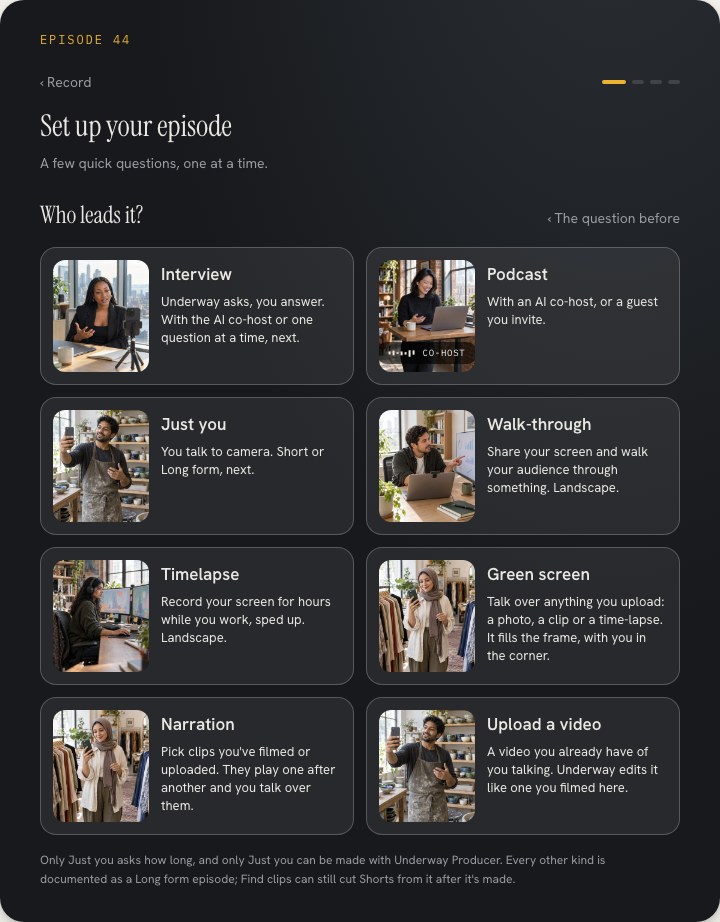
- on the web or the iphone app, press record an episode and pick ai co-host on camera.
- pick what it is about if you want the co-host to open on a topic, or leave it and it opens from what it remembers of your series.
- choose the frame: portrait for shorts and reels, landscape for youtube.
- open the conversation, choose one of ten voices for your co-host, and give it a name if you like.
- start the conversation and talk. interrupt it, wander, come back. it listens, reacts, asks about what you just said, and lands on what happens next before it lets you go.
- on a computer you can share your screen mid-conversation, and the co-host can see it if you let it.
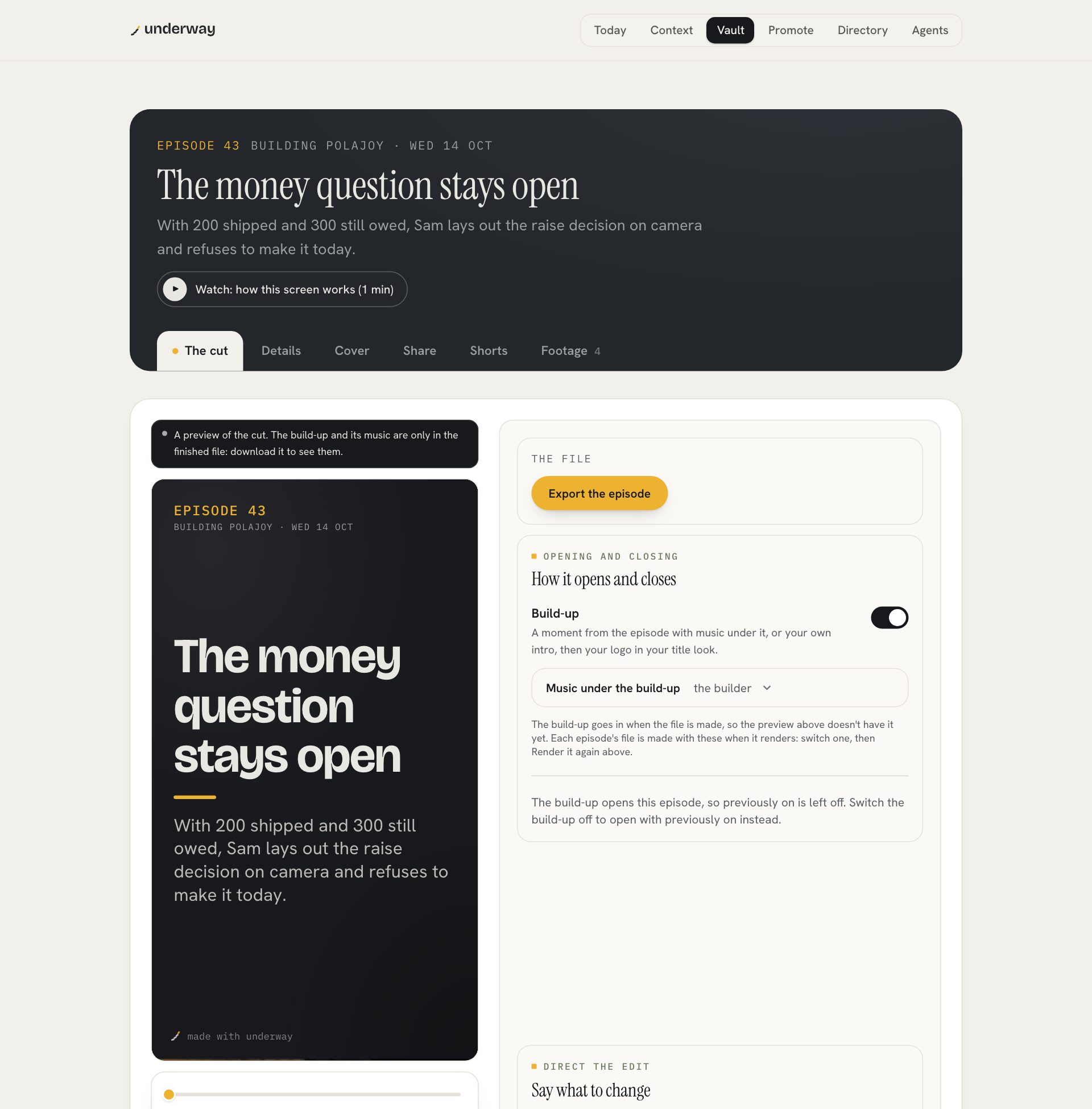
- finish and save. the episode renders like any other: one continuous take of you with both voices, your card and its number at the front, captions, in your vault and private.

what you end up with
one continuous take of you, in the frame you chose, with both voices. nothing is reordered, because a conversation that jumps about feels edited in the wrong way. it gets a name and a description written for search, a cover, and the words for each platform: youtube, linkedin, x, tiktok and instagram.
from the finished episode, find clips cuts a few vertical shorts from what you said, each opening on its strongest line and ending on a card that points to the full episode. sometimes it finds none, and says so, rather than forcing one.
how to create a video podcast with ai: the tools compared
| underway | avatar generators (visionstory, joggai, mootion) | riverside | descript | |
|---|---|---|---|---|
| who is on screen | you, filmed | animated ai hosts | you and real guests | whoever you recorded |
| who asks the questions | a live ai co-host that follows up | nobody; it is scripted | a person | nobody; it edits |
| what you put in | a conversation | a topic, link, document or audio | a recording session | footage you already have |
| editing | done for you | generated | ai tools, then you edit | you edit by editing the transcript |
| pick it for | a series about your own work, with your face on it | a show where nobody needs to appear | interviews with real people | polishing what you recorded elsewhere |
credit where it is due. the generators are the fastest way to a watchable video if you have no wish to be in it. riverside is the standard for recording real guests in good quality. descript is the best-known way to edit by text. underway is narrower: it makes the footage by talking to you, and it is built for a numbered series about what you are building.
if you want a real guest rather than an ai, underway has that too: with a guest, where you host and they join by a link, each side recorded on its own machine, laid side by side. the app asks nothing in it, and there is never an ai in a call with a guest.
getting a good take
- wear headphones on a computer. on a speaker the co-host can hear itself, and the conversation stumbles.
- turn on light in the corner of the picture if the room is dim: the screen round your picture turns a warm white while the camera is on.
- pick a topic before you start. a co-host that opens on the thing you want to talk about gets to the good part sooner.
- talk to it like a person across the desk. interrupt it when it is wrong, and say so when a question misses.
- stop while you still have something to say. a call can run thirty minutes; most good episodes do not need it.
why it stays a some-episodes thing
an underway episode is you talking to the people who follow your build. a second voice on camera every day would turn the diary into a chat show. so the co-host on camera is one choice among the others. the interview, one question out loud for each thing you pick, stays the usual way in, and the setup never remembers the co-host as your default.
the minutes do the rest. both the camera conversation and the podcast one come out of one balance, by the second, and a call is thirty minutes at most.
what it costs
every new account starts with a 7-day free trial of founder, series or studio, with a card added at the start and nothing charged until day 8. a trial of founder includes founder's half hour of co-host time. founder is $29.99 a month or $299.90 a year with thirty minutes of co-host conversation a month, the podcast feed for apple podcasts and spotify, and one tap to post to youtube, tiktok, instagram, linkedin and x. series is $79.99 a month or $799.90 a year with two hours. extra time is $9 an hour, paid once, carried forward while your membership is active. time resets on the first of the month.
privacy
- the camera is never sent to the model. the co-host hears you, and sees your screen only if you share it and let it look.
- the episode stays in your vault, private, until you publish it.
- your side of the conversation is always your own recorded voice. nothing about you is generated.
- raw recordings can be downloaded on every plan, the trial included.
- delete this episode removes the video, the transcripts and everything cut from them, with no undo.
can i create a video podcast with ai without being on camera?
yes, with an avatar generator such as visionstory or joggai. in underway, podcast with ai co-host is the same conversation with no camera; it renders as audio with a captioned video card.
is the co-host on camera on every plan?
on every paid plan and the free trial, from that plan's co-host time: thirty minutes a month on founder, two hours on series, three on studio.
does a video conversation use more minutes than a podcast?
no. a minute is a minute, from one balance, whichever you pick.
how long can one conversation run?
thirty minutes at most. with under a minute left it tells you, and saves the recording when time runs out.
can i do it from the phone?
yes. on the iphone app the conversation runs in the app, by voice or on camera. sharing your screen needs a computer.
will viewers know the co-host is an ai?
yes. they hear a second voice, and it introduces itself by its name at the start. underway never presents it as a person.
where to go next
plans, prices and co-host time: pricing.
the same conversation without a camera: podcast with ai host.
From the series
Founders’ episodes, written up.
Every public episode on underway has a page of its own: the video, then the same account in writing, checked against what the founder actually said.
Browse every series
Building Underway
People pay more than you think to fix a problem
I changed the positioning of Underway from day-one urgency to the pain of not having posted content for years, and raised the cheapest plan from a 14-day trial at $29.99 to a seven-day trial at $129.99. Signups came in faster and the cost to acquire each one dropped a lot. That lets me start working out CAC, margins and recurring revenue, which matters after the Anthropic bill gave me a scare. I'll go through the ads I crafted in another episode.
Building Underway
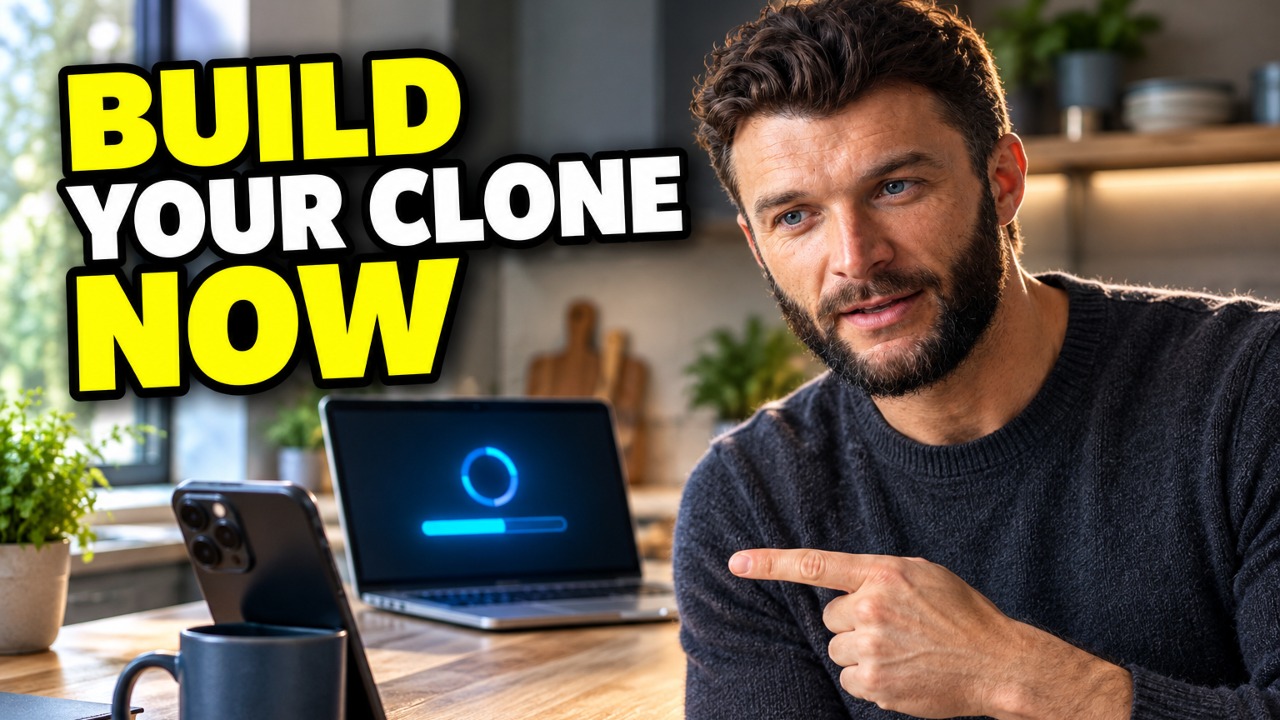
Train Your Ai Clone To Make Money: part 2
I rebuilt my AI clone in Underway from three short phone recordings, then used it to set up a 12 to 15 second ad. I played back the clone video from last time, which I'd be happy to run as an ad even though the pacing at the end is off, and showed earlier attempts where the face and lighting were wrong. The model finished building while I talked through how the ads get researched and written, and the new ad I queued was still at 0% when I stopped.

Building Underway
Train Your AI Clone to Make Money
I trained my AI clone inside Underway for marketing by recording the three short clips it asks for: sat and talking, up close, and walking with my phone. I turned the voice recording off because Underway already has plenty of my voice from the episodes I've made, so it defaults to that. The walking clip was still saving when I stopped, so how the clone actually looks and how I use it to write scripts and market will be part two.

Building Underway
Meta ads setup for more app sign ups
Underway hit 20 signups, and I'm testing an AI background changer for a new studio setup. I talk about how the signups feel compared to my first big sales back when I started in sales, and why I'm documenting it to see where I am in a year's time. I'm also recording this one sitting in front of a plain wall in my kitchen that gets filled in with a background, after seeing a few people on X post videos doing the same. I don't know yet how it will come out.
Building Underway
How to screen record only one tab (for SEO traffic)
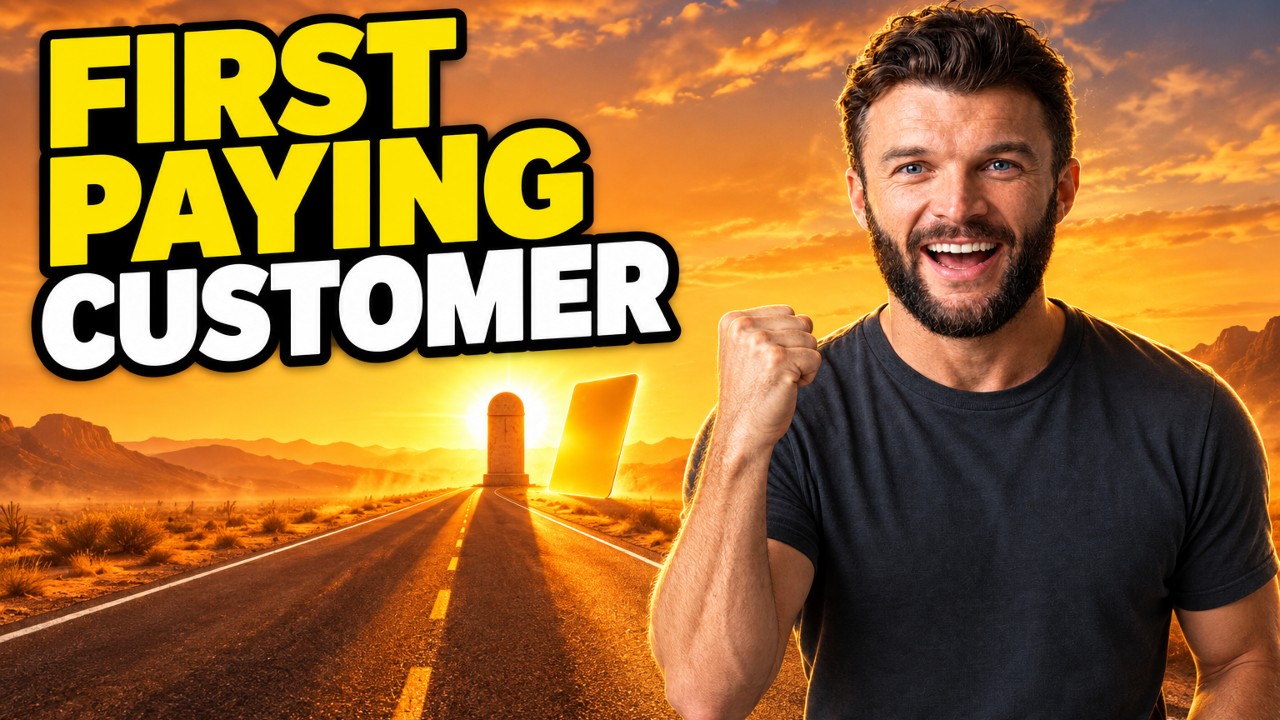
I walked through Underway's "what's worth doing now" section on the Today page, which scans my website and GitHub and suggested filming "how to screen record only one tab" to sit alongside the article I already have up, with a one-click handoff into filming the walkthrough. I also mention we got our first customer yesterday after switching the ads from join for free to entering card details with 14 days free. The hover highlight on that screen isn't working, so the black panels are hard to read, and I'm going to fix that next.
Building Underway
Getting found in AI search terms
I walked through Underway's Found in AI Answers tool, which checks the questions buyers ask ChatGPT, Claude and Gemini with web search on and reports whether the answers name you, cite your page or name a competitor instead. This week I'm named in 1 of 17 answers, cited by ChatGPT for a question about a tool that interviews you by voice and turns the answers into a podcast episode. Nine of the searches name someone else, and for each one the tool gives me a question to say out loud and answer on camera, then publishes the answer on my own site under that heading. I haven't filmed those answers yet.