
Article
loom alternatives: when the screen recording is for an audience
28 October 2026 · 10 min read
Post on X
the right loom alternatives depend on who is going to watch. Loom is built for a quick video message: you record your screen and your face, share a link in seconds, and a teammate or a customer watches it when they get to it. for that job it's very good, and if that's your job you may not need an alternative at all, just a different plan.
if your screen recordings are meant for the public, the job is different. a walk-through of what you built, or hours of real work sped up into a time-lapse, needs cutting, captions, a title someone would search for, and somewhere to post it. underway does that, and it adds the interview for the days there's no screen worth showing. we make underway, so this page says what each tool is for, from each one's own pages on 28 October 2026, and says where Loom is the better choice.
to judge the output rather than our description of it, a real series made with underway, every episode in order, is here.
key takeaways
- Loom is for async messages to teammates and customers. a link in seconds is the whole point, and nothing beats it at that.
- underway is for screen recordings that go out publicly as a numbered series: walk-throughs, time-lapses of real work, and interviews, cut and captioned for you.
- free loom alternatives exist. Cap is open source and free for personal use on Mac, Windows and Linux.
- for polished product demos on a Mac, Screen Studio zooms in on your clicks automatically.
- Loom's free Starter plan allows 25 videos a person, five minutes each, up to 720p. Business is $18 a user a month. underway starts at $29.99 a month with a 7-day free trial.
what Loom does well
Loom describes itself as a way to record and share video messages with teammates and customers. you press record, talk over your screen with your face in a bubble, and the link is ready as soon as you stop. it runs on Mac and Windows, as a Chrome extension, and on iOS and Android. for a bug report, a design review or a reply to a customer, that speed is the product.
on 28 October 2026 Loom's pricing page lists four plans. Starter is free: up to 25 videos a person, screen recordings of up to five minutes, up to 720p and up to 50 members in a workspace. Business is $18 a user a month billed monthly. Business + AI is $24 a user a month billed monthly, and adds Loom AI: auto titles, summaries and chapters, filler word and silence removal, auto meeting notes and recap emails. Enterprise is priced on request, and yearly billing saves up to 17%. Loom also now offers Record for agent, which turns a recording of your screen and clicks into a prompt for an AI agent.
why people look for loom alternatives
most searches for loom alternatives come from one of three places. the free plan's five-minute cap and 25-video limit run out. the per-user price adds up across a team. or the recording is meant for somewhere Loom wasn't built for, like YouTube or a public page, and a shared link with a face bubble doesn't look finished enough there.
the first two are about price, and the list further down covers them. the third is about the job. a message to a teammate can be rough: they know the context, they asked for it, and they'll watch to the end. a stranger on YouTube knows none of that. the recording has to say what it is in the first seconds, carry captions for people watching with the sound off, have a title someone would type into search, and sit in some order so that one video leads to the next. that's editing and publishing work, and it's the work that stops most founders posting their screen recordings at all.
how underway screen records
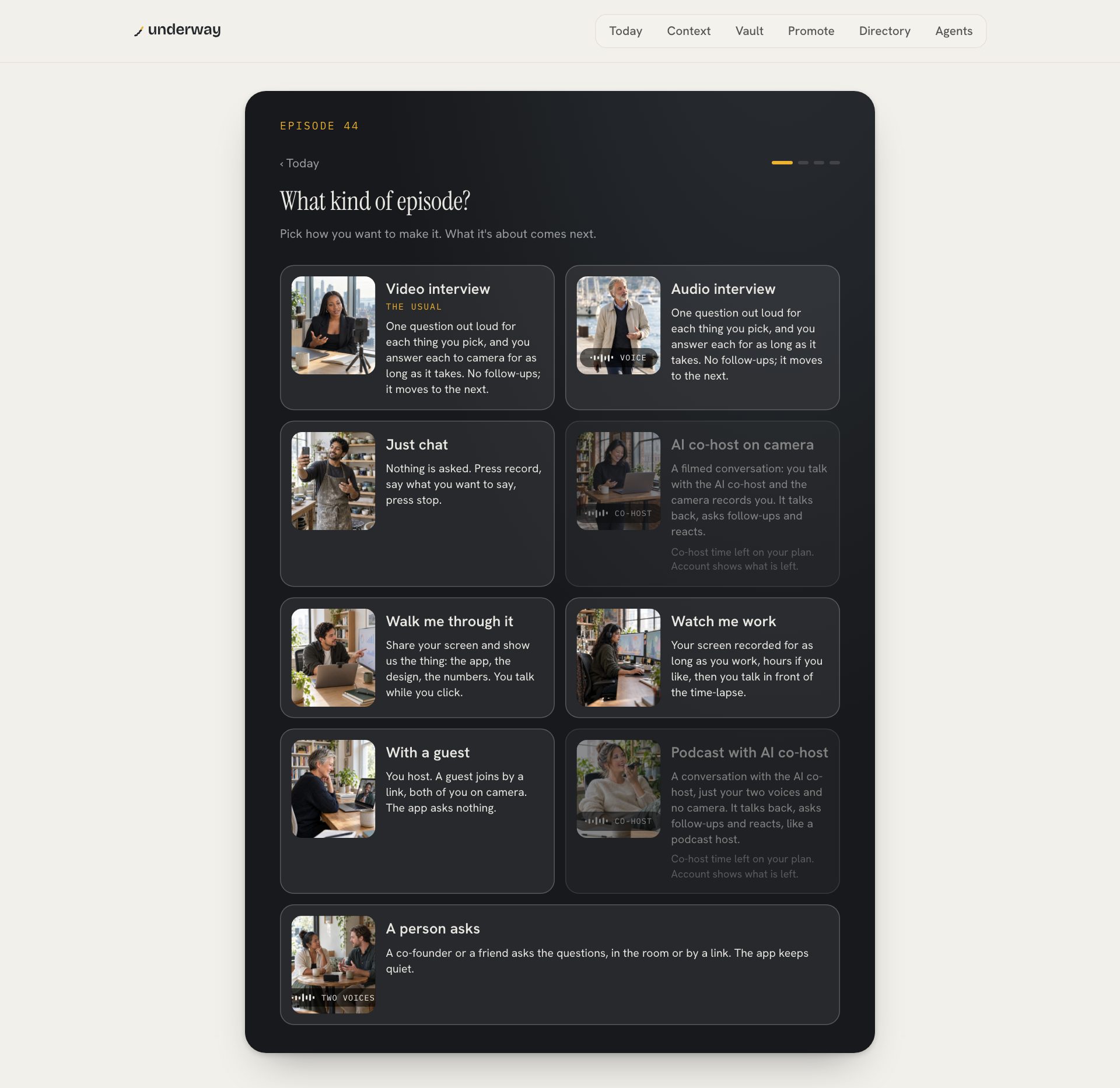
underway is a video diary for founders: one numbered episode at a time, about the business as it's being built. several of its episode kinds are screen recordings, all made on a computer, since a phone can't share its screen.
- Walk-through: share your screen and walk your audience through something, the app, the design, the numbers, talking while you click. the episode is landscape, your screen full frame, you in a round bubble in the corner, up to ten minutes.
- Timelapse: your screen recorded for as long as you work, hours if you like, up to four windows. no camera is on while you work. press Mark this at a moment that matters and that stretch plays at real speed. then you talk in front of the time-lapse with your face in a bubble, pausing and jumping to each mark as you go.
- screen sharing inside an interview or an AI co-host conversation, so you can show the thing you're being asked about, and the co-host can see it if you let it.
after you stop, the cutting is done for you. filler, restarts and dead air come out, captions go on, and your episode card goes on the front, all in the order you said things. the episode gets a name written with the words people search, and Shorts can be cut from it to send people to the full episode. on Series you can post it to YouTube and the networks you connect in one press, and every episode you publish has its own page in order on your series page.
what you show stays yours
a recording meant for the public carries a risk a message to a colleague doesn't: a key in a terminal, a customer's email in a sidebar, a password manager left open. underway handles that in two ways.
first, every screen share asks what people may see. Share your screen records all of what you pick in the browser's own picker. Only part of it lets you draw boxes around the parts to show, and everything outside them is blurred and darkened as it's recorded, so the clear picture never reaches a file. second, every screen in an episode is read for keys and passwords before it can go anywhere. if something is found, the episode is held until you answer: take that stretch of screen off, or say it's fine. nothing is posted while the question is open.
loom alternatives compared: Loom and underway
the two tools, on the questions that decide between them. Loom's side is from loom.com and its pricing page on 28 October 2026.
| Loom | underway | |
|---|---|---|
| built for | video messages to teammates and customers | a founder's public series about their business |
| how it's shared | a link, ready when you stop | cut first, then your page, YouTube and the networks you connect |
| screen recording | screen and camera bubble, on any plan | walk-throughs and hours-long time-lapses, on a computer |
| editing | filler and silence removal on Business + AI | cut for you in the order you spoke, captioned |
| hiding part of the screen | not described on the pages read | boxes around what to show, the rest blurred |
| when there's no screen | record your camera | an interview asks you questions out loud |
| a running series | a library of videos | numbered episodes, a streak, a public page |
| phone | iOS and Android apps | interviews on the phone; screen kinds on a computer |
| price | free Starter; Business $18 a user a month | $29.99 a month, or $299.90 a year |
the other loom alternatives, free and paid
if your recordings are for colleagues or customers and you just want something other than Loom, these are the names worth trying. each fact is from the tool's own page on 28 October 2026. we haven't tested them side by side, so this is what each is for, not a ranking.
- Cap: the open source loom alternative. its code is on GitHub, it can be self-hosted, and it runs on macOS, Windows and Linux. free for personal use; a Desktop License for commercial use is $29 a year or $58 once, and Cap Pro is $12 a user a month, or $8.16 billed yearly.
- Screen Studio: a loom alternative for Mac only. it zooms in automatically where you click, smooths the cursor and keeps your webcam out of the way. $29 a month, or $9 a month billed yearly.
- Tella: recording, editing, sharing and viewer analytics in one tool. Pro is $13 a user a month and Premium $19, both billed yearly.
all three are recorders. they make a better video file or a better shared link. none of them decides what the video is called, numbers it, or puts it in order with the last one, because none of them is trying to. that's the line underway sits on the other side of.
which is right for you
| choose | why | |
|---|---|---|
| a quick message to a teammate or customer | Loom | a link in seconds is exactly what it's for |
| free, and the code open | Cap | open source, free for personal use |
| a polished product demo on a Mac | Screen Studio | automatic zooms on your clicks |
| a public walk-through of what you built | underway | cut, captioned, named for search and posted |
| showing the work itself, not just the result | underway | a time-lapse of hours, with you talking over it |
| a story of the business told in order | underway | every episode numbered, nothing reordered |
what underway costs
every new account starts with a 7-day free trial of Founder, Series or Studio. you add a card at the start and nothing is charged until day 8; cancel before then and you pay nothing. Founder is $29.99 a month or $299.90 a year: the episodes, Shorts when you press Find clips, the words for every platform, your page and every connection. Series is $79.99 a month and adds one tap to post to the networks you connect, the weekly round-up and the podcast feed. Studio is $129.99 a month and adds things like YouTube thumbnails with your face in them and motion graphics on your episodes. your raw recordings download on every plan.
what results look like
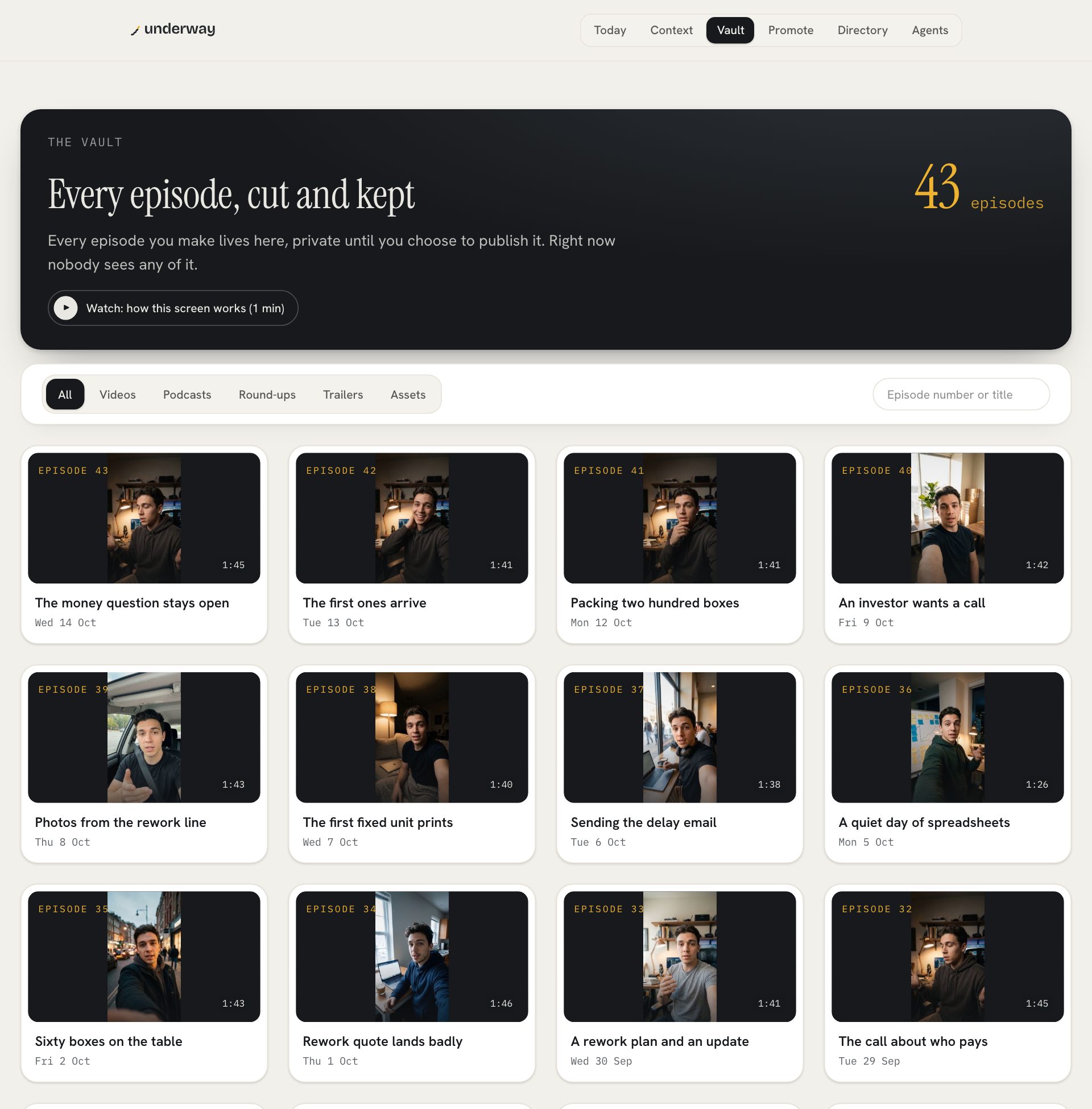
the clearest result we can show is our own. Rich Lovatt, who makes underway, films a numbered series about building it, with it: interviews about the day's work, and walk-throughs of what changed on screen, each cut and captioned without opening an editor. they're on the series page in order: one story, told while it's still happening.
faqs
what are the best loom alternatives?
for messages to teammates and customers, Cap, Tella and Screen Studio are the usual swaps. for screen recordings meant for a public audience, cut, captioned and posted as a numbered series, underway.
is there a free loom alternative?
yes. Cap is free for personal use and open source, on Mac, Windows and Linux. Loom's own Starter plan is also free, with up to 25 videos a person of up to five minutes each, at up to 720p.
what's a good loom alternative for mac?
Screen Studio runs only on macOS and zooms in automatically where you click, which suits product demos. Cap runs on Mac too. underway runs in the browser on a Mac or any computer.
is there an open source loom alternative?
Cap's code is on GitHub and it can be self-hosted. underway is not open source.
can underway record my screen like Loom?
yes, on a computer: a walk-through with you in a corner bubble, a time-lapse of hours of work that you then talk over, or a screen shared inside an interview. it's built for videos that go out publicly, not for a quick link to a colleague, which is where Loom is better.
what if my screen shows something private?
underway lets you box the parts of the screen people may see and blurs the rest as it records. every screen is also read for keys and passwords, and the episode is held until you take the screen off or say it's fine.
try underway free for 7 days
if your screen recordings are meant for an audience and the editing is what stops them going out, try a week of it. sign up, film episode zero about what you're building, then share your screen for a walk-through and see the finished episode after you stop. you add your card at the start and nothing is charged until day 8. everything stays private until you choose to post it.
start your 7 days and film episode zero today.
where to go next
if you're comparing editors as well, the shortlist ranked by how much editing each leaves you is the best descript alternatives.
if it's guests you record, the comparison with Riverside and its new agents is riverside alternatives.
why a founder's own story, told as it happens, works as marketing: founder-led content.
From the series
Founders’ episodes, written up.
Every public episode on underway has a page of its own: the video, then the same account in writing, checked against what the founder actually said.
Browse every series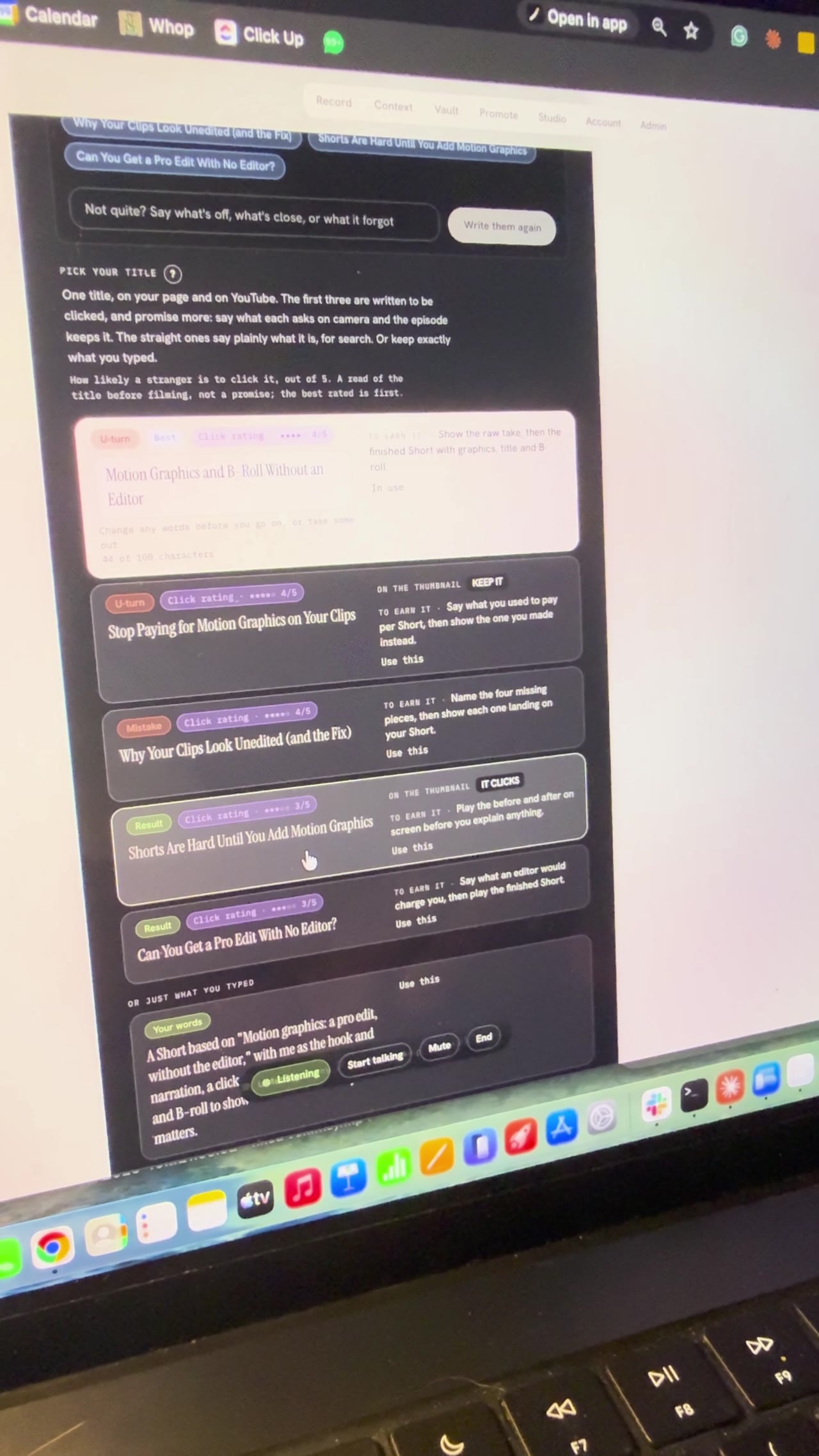
Building Underway
Setting up a video by talking to my AI director
I gave a first look at the Underway Crew, the director and producer inside Underway, and used an AI director to pick my YouTube title and sections live on camera. Bert, the director, offered three ideas, then found the feature videos in my vault, and we picked Motion Graphics, A Pro Edit Without the Editor to remake with me as the hook and narration. It wrote five title options, I chose Motion Graphics and B-roll Without an Editor, and it broke the episode into six sections. I locked in filming it in sections and stopped at the set up your shot screen, so part two comes next.

Building Underway
SaaS pricing for a higher tier, nearing 10 paying customers
I talked through how I'm pricing Underway's next tier while closing in on the goal of 10 paying customers I set when series one opened. There are somewhere around 15 to 20 people on trial and very few have cancelled, and most signups are now on the $129.99 plan with a seven day free trial, even though people close to me still say they don't quite grasp what Underway does. I'm also in the early stages of a higher-priced membership that acts like a director and producer in your pocket: it researches your niche, brings you video ideas when you say you're ready to film, and talks you through the recording section by section. I'm using it on myself while I build it.
Building Underway
AI podcast host that interviews you: my build so far
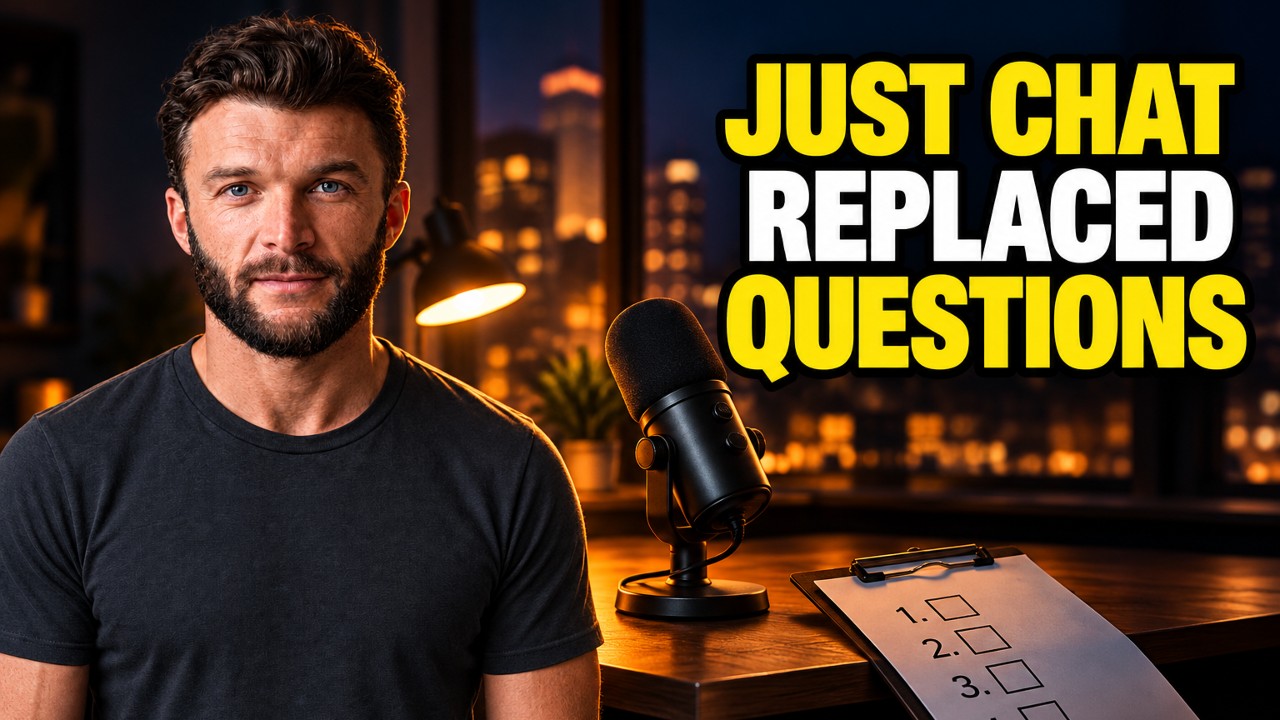
Tonight was a hell of a long one. Continued build from the evening as well. GPT looked at my site and codebase and came back with some legit ideas. Both videos on the site are fine, it said, but nothing shows what being on the inside looks like. Especially the podcast path for founders who want to talk but don't want to be on camera. I thought working on the podcast would be simple compared to video. It wasn't. Far behind, and way more fiddly than I imagined. In my head it wasn't just rambling into a mic. You're speaking to something that knows your business, what you've said, what you've achieved. What I built is Just Chat. Tired, don't want the camera, you just talk like someone's in the room asking you questions. It remembers last night's lag, the interview scaffolding I stripped out, the patent lawyer, all of it. You can have the app host, or someone in the room, or send a link so they join without installing anything. I've also made topics simple. It suggests some, or I type "let's talk about hiring" and we go. Tonight I want to record another episode with Just Chat itself so you can hear how it comes out. The breakthrough for me is wanting that same tech on the video side. Right now video questions are still a bit robotic. You pick four, it asks, you tap done. Fine, but after Just Chat it feels different. Downside of all this is it ends up quite expensive. We will see. Episode 16 (1 of 2 filmed on 7 Sept).

Building Underway
Posting Is Hard Until an AI Agent Directs You
Underway Producer is the AI video director I built that picks up what I'm filming, sets me up and directs me through each take out loud. It connects to my email, GitHub, Linear and Vercel, so the agent speaking to me knows what my day held. Each take comes out as a fully edited long episode with captions, shorts and clips, thumbnails, the copywriting for every social post, an SEO article, and it posts to all my channels in the right format. I filmed alone for years with no plan and bad lighting, and most of that footage never left my camera phone.

Building Underway
Making a launch video with AI in one shot: GPT-6 Astra
GPT-6 Astra dropped a few days ago. I kept seeing people on X say they'd one-shot a launch video with it, and the clips looked wild. So I gave it a go. Sent what came back to my fiancée. We both just sat there for a second. She said she was proud of me, because it finally looked like the thing I've been trying to build and the problem it solves. Also added two bits that feed into the patent application: a watcher that bumps you when you hit a milestone so you can record the feeling right then, and a habit former that learns how you like to film. Episode 12 done.
Building Underway
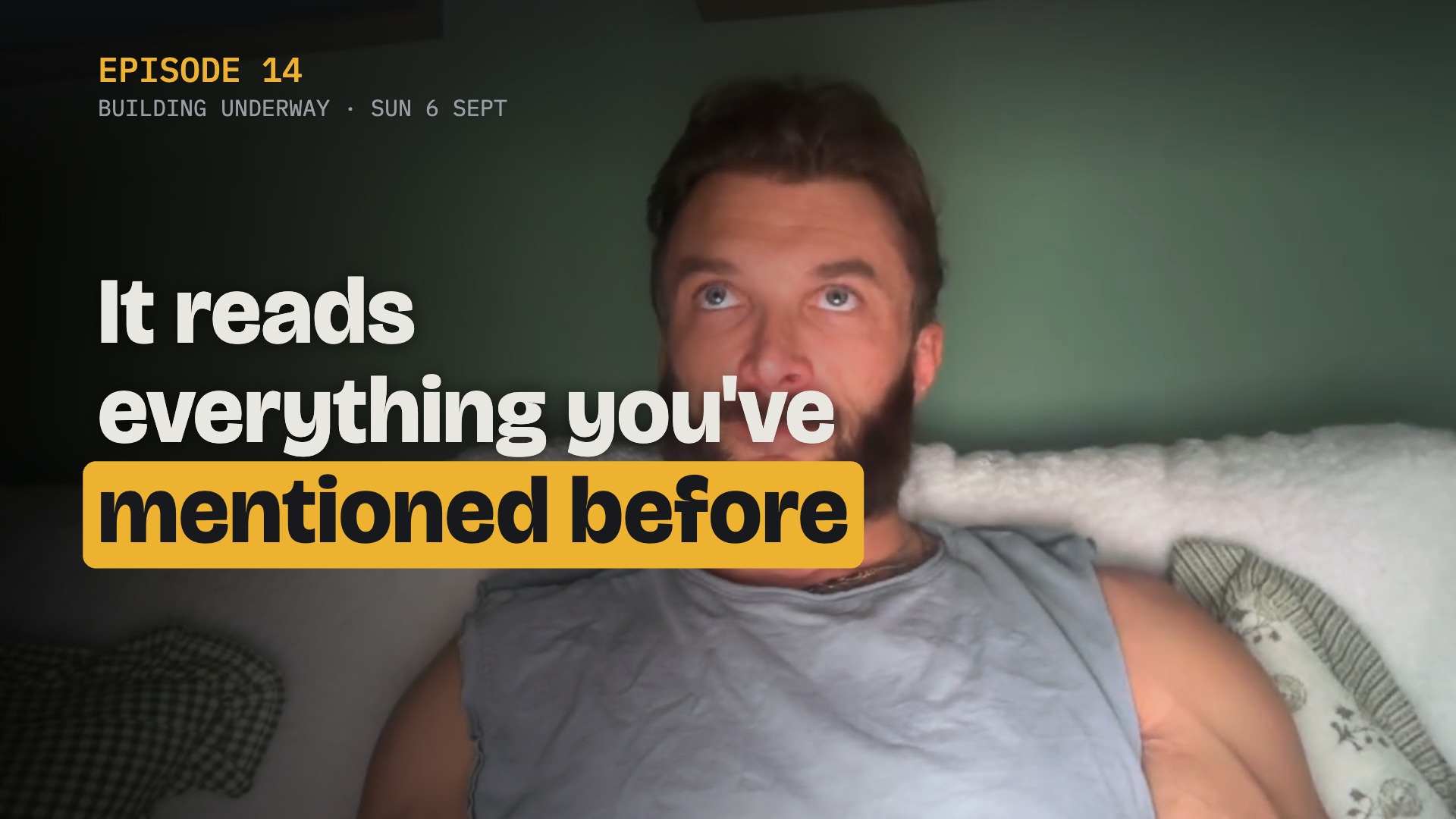
AI that suggests video topics from your past episodes
I said on the last episode I'd do the podcast next, but I lied. I had something else I wanted to show you first. It's a suggested topics tab. It reads everything I've said in every episode and picks up the things I never tied off, like when I say I've been thinking about something but haven't decided. The one it gave me was whether the videographer shoot still happens. I booked him for next weekend, then GPT-6 Astra one-shotted something I said I'd pay a lot for, and I never said on camera whether I kept the booking or cancelled. It quoted me back to myself, "I haven't made my mind up yet". So I can just do a whole episode on that and close it off. If it suggests an old topic I know I'm not going back to, I can remove it. That doesn't mean something like it won't come up again, it just gets replaced. Then I clicked stop sharing and the timer kept going. It didn't say I'd stopped. When I came back to the tab I think it had. We'll watch this back and see. Another bug. Episode 14 done.